
AI Course Builder: How MyPass LMS Generates Courses in Minutes
On this page 4 sections
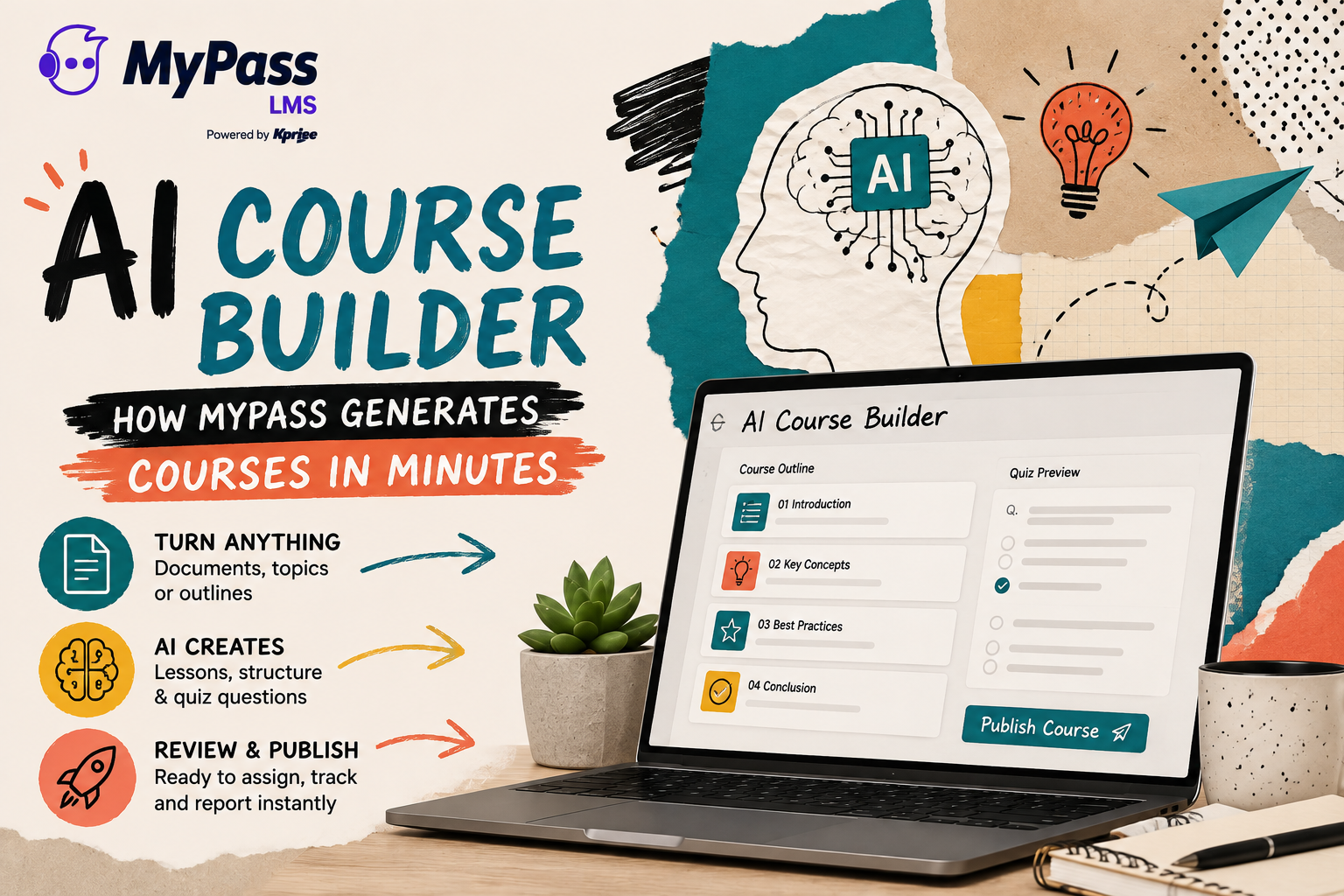
The MyPass LMS AI course builder generates a structured course, including lessons, content and quiz questions, from a document, topic prompt or existing outline in minutes rather than the days or weeks manual authoring typically takes. It is built into the platform, not a separate authoring tool you export from, so a generated course is immediately ready to assign, track and report on.
The bottleneck AI course building actually solves
Course creation is usually the slowest part of running a training program. Someone has to turn a policy document, a process, or a topic into structured lessons, write assessment questions that actually test understanding, and format all of it for an LMS. That work can take days for a single course, which is why so many training backlogs never clear.
The MyPass AI course builder is aimed directly at that bottleneck. You give it a starting point, whether that is an uploaded document, a topic, or a rough outline, and it produces a structured course with lessons and quiz questions in minutes. It does not replace judgment, since you review and edit before publishing, but it removes the blank page problem entirely.
How it works
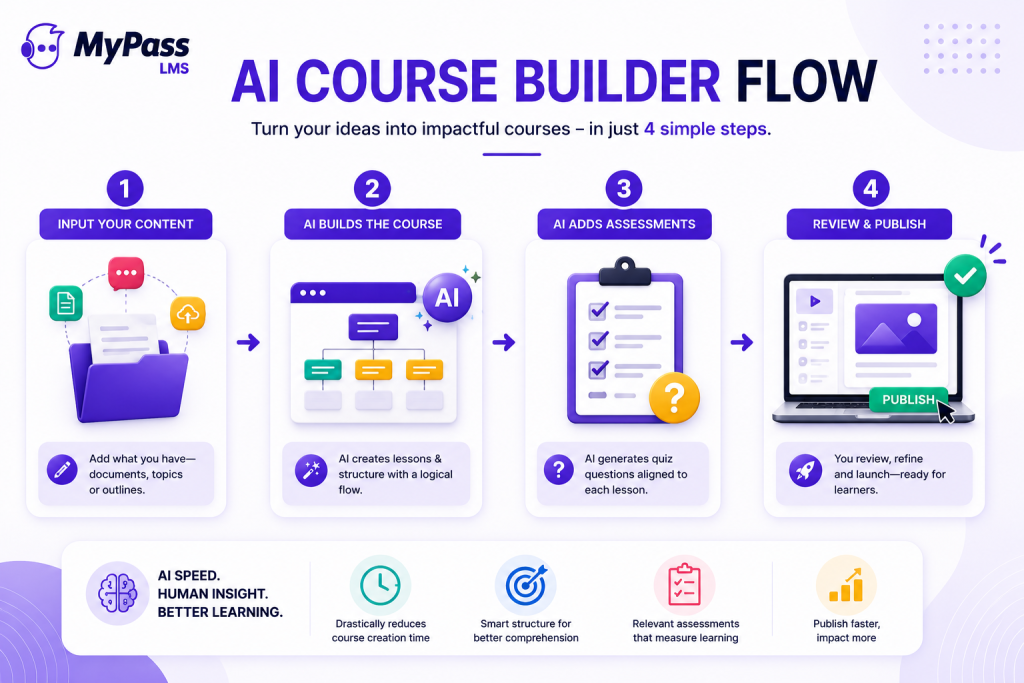
- Start with what you have. Upload an existing document such as a policy, SOP or slide deck, or simply describe the topic and audience.
- The AI structures the course. It breaks the material into logical lessons with a sensible sequence, rather than one long undifferentiated block.
- The AI drafts assessment questions. Quiz questions are generated alongside the content, matched to what each lesson actually covers.
- You review and publish. Because it lives inside MyPass, the generated course is immediately assignable, trackable and reportable, with no export or import step.
What it is good for, and where a human should take over
AI course building is strongest for the material that has a clear source and a fairly standard structure:
- Turning existing documents, such as policies, SOPs or manuals, into a structured course quickly
- Building a first draft of compliance or process training that a subject matter expert then reviews and refines
- Producing initial quiz questions that a reviewer edits for accuracy and difficulty
- Getting a course into a usable state fast when the alternative is not building it at all
Where a human still matters most is nuance, accuracy on specialized or high-stakes topics, and the final judgment call on tone and depth. The AI course builder is designed to produce a strong first draft, not a finished product you publish unread. Treat its output the way you would a capable assistant's first pass: useful, fast, and worth a careful review before it goes live.
Key point
→ The honest way to think about this feature: it turns a blank page into a working draft in minutes. It does not remove the need for someone who knows the subject to check the output before learners see it.
Why building it into the LMS matters
A standalone AI course generator that exports a file you then have to import into your LMS still leaves you doing the last, fiddly mile of work: formatting, uploading, connecting quizzes, and setting up tracking. Because the MyPass AI course builder is native to the platform, a generated course is immediately part of your course library ready for tier-based or automatic assignment, and its completions flow into the same reporting and compliance tracking as every other course.
That integration is the real time saving. Generating the content quickly only matters if getting it live is equally quick.
The bottom line
The MyPass AI course builder turns the slowest part of running a training program, creating the course itself, into a task measured in minutes rather than days. It works best as a fast first draft from a document or topic, with a human reviewing before it goes live, and because it is built into the platform rather than a separate tool, a generated course is immediately ready to assign and track.
See all AI capabilities in MyPass, browse the ready-made course library, or start a free trial and generate your first course.
Frequently Asked Questions
How does the MyPass AI course builder work?
You provide a starting point, such as an uploaded document, a topic, or an outline. The AI structures it into lessons, drafts quiz questions matched to the content, and you review and publish. The generated course is immediately assignable and trackable inside MyPass.
Can AI-generated courses be edited?
Yes. The AI course builder produces a first draft that you review and edit before publishing. It is designed to remove the blank-page problem, not to replace human review of the content.
What can I use to generate a course with AI?
You can start from an uploaded document such as a policy or manual, or simply describe a topic and audience. The AI course builder structures the material into lessons and drafts assessment questions from there.
Is the MyPass AI course builder a separate tool?
No. It is built directly into the MyPass platform, so a generated course does not need to be exported or imported. It is immediately part of your course library, ready for assignment, tracking and reporting.
What topics work best with AI course generation?
Material with a clear source and fairly standard structure works best, such as policies, SOPs, compliance topics and process documentation. Highly specialized or high-stakes content still benefits from close review by a subject matter expert before publishing.
Keep reading

Associations & CE
The Certificate Builder: Branded Credentials on Autopilot
Course design & delivery
How to Improve Course Completion Rates

Course design & delivery
Off-the-Shelf vs Custom Courses: When to Buy and When to Build
Choosing an LMS