
What Is an LMS Administrator? The Role, Explained
On this page 7 sections
Short answer
An LMS administrator runs an organisation's learning management system day to day, setting up users, assigning and organising courses, pulling reports, and helping learners who get stuck. They keep training moving behind the scenes. It can be a full-time job or part of a wider role, and how demanding it is depends on how easy the LMS is to run.
The Person Quietly Keeping Training Running
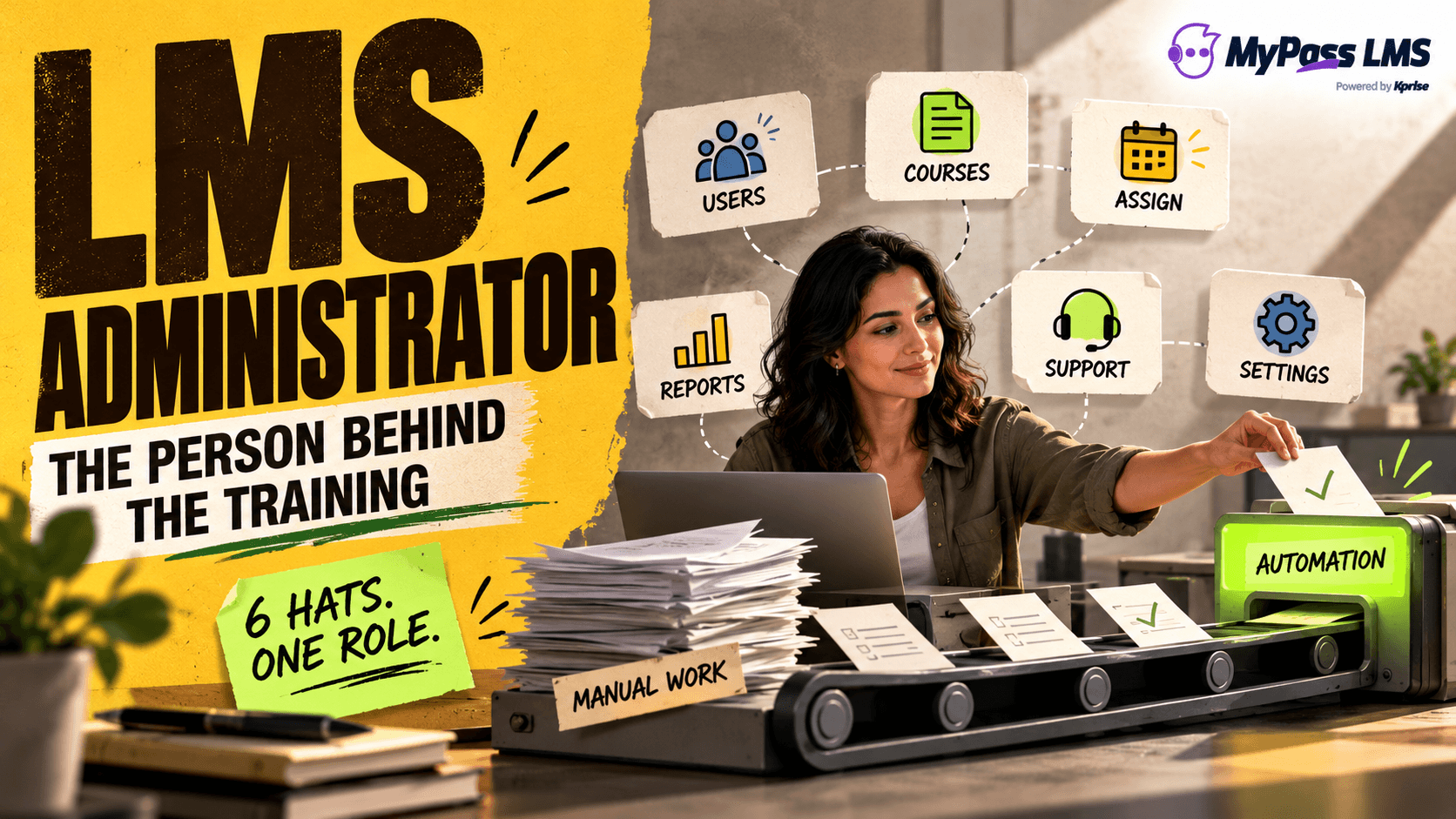
Behind most LMS setups that actually work, there's someone making them work, and that someone is the LMS administrator. Plenty of people do this job without ever having the title. They're whoever set up the courses, added the users, sends the 'please finish your training' reminders, pulls the reports when a manager asks, and gets the message when someone can't log in. Full-time role or a hat worn on top of an HR or L&D job, the LMS admin is the reason training keeps ticking over.
If you're reading this because you're stepping into the role, hiring for it, or working out who'll own your new LMS, this covers what the job really involves, the skills it takes, and, importantly, how to stop it becoming a slog. Because here's the thread running through the whole thing: how hard this job is has less to do with the person and more to do with the platform they've been handed.
Key point
The LMS administrator is the person keeping training running, often without the title, and how tough that job is comes down mostly to one thing: whether the LMS makes the work easy or fights them at every step.
What an LMS Administrator Actually Does
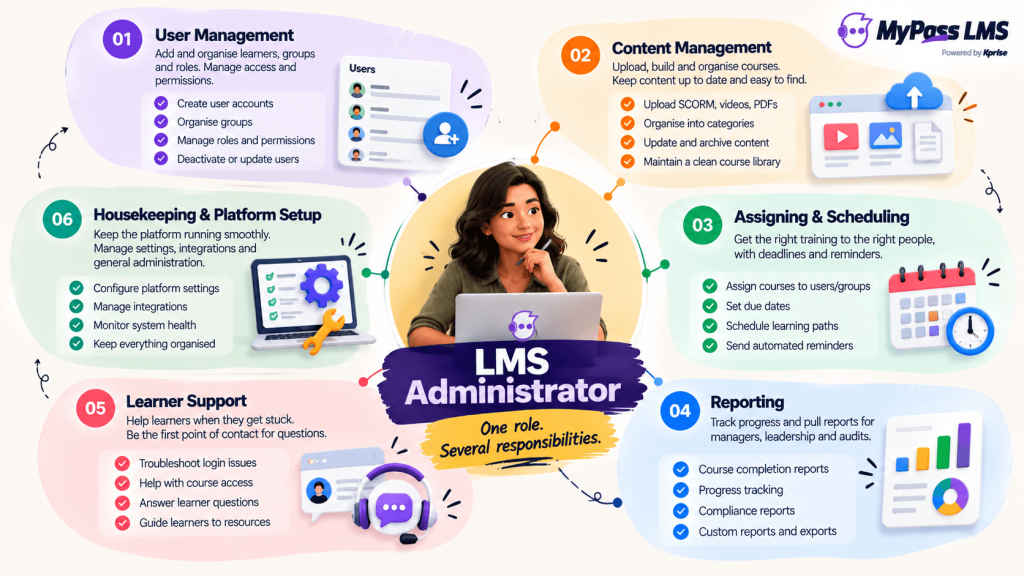
Strip away the jargon and the role is a recognisable set of jobs, whatever the organisation.
- User management: adding and organising learners, sorting out access and roles.
- Content management: uploading or building courses, keeping them organised and up to date.
- Assigning and scheduling: getting the right training to the right people, with deadlines and reminders.
- Reporting: pulling completion and progress data for managers, leadership and audits.
- Learner support: the first person people message when they can't log in or can't find their course.
- Housekeeping: keeping settings right and the platform tidy so it all keeps working.
The Skills It Really Takes
Here's something that surprises people: being a good LMS administrator isn't mainly a technical thing. Most of the job is organisation and people skills. The best admins are organised and careful (training records and assignments have to be right), comfortable enough with technology to learn a platform and troubleshoot (but nowhere near 'coder'), and genuinely good with people, because they're the support line, and patience plus clear communication go a long way when someone's frustrated they can't find their course.
A bit of comfort with numbers helps on the reporting side, and understanding what the organisation is actually trying to achieve with training turns the role from button-pushing into something strategic. But you do not need an IT background. Most LMS admins come from HR, L&D, operations or training and pick up the platform on the job. What makes the role hard is rarely complexity, it's volume and friction, which brings us to the thing most people don't see coming.
The Burnout Nobody Warns You About
Let's be honest about the downside, because it's real and common. On a clunky, manual platform, this role can grind people down. If every assignment is set by hand, every reminder is sent manually, every report is a wrestling match, and the system is confusing enough that learners constantly need help, the admin drowns in repetitive, thankless work. 'LMS admin burnout' is a genuine thing, and here's the important part: it's almost always the tool's fault, not the person's.
The fix isn't to tell the admin to try harder, it's to use a platform that does the heavy lifting. A good LMS assigns and reminds automatically, makes reporting a click, and is intuitive enough that learners mostly help themselves. That's the difference between an admin who has time for the valuable work and one buried in busywork. If you want to see what that busywork is actually costing you, our admin burnout cost calculator puts a number on it.
Key point
LMS admin burnout is real, and it's a platform problem, not a people problem. A clunky system buries the admin in manual work; a well-designed one automates it. So judge any LMS partly on how easy it'll be to actually run.
How the Right Platform Changes the Job
Since the admin's workload rides almost entirely on the platform, here's how MyPass LMS is built to keep the role manageable instead of miserable. Automation takes the repetitive heavy lifting, assignments, reminders, recurring training, off the admin's plate. Reporting is built in and quick, so pulling data for a manager or an audit isn't an afternoon's work. And the platform is designed to be clear enough for learners that the admin isn't fielding a steady stream of 'I can't log in' messages.
Add bulk tools for volume and flat pricing with unlimited registered users (so no one's juggling seat limits), and the job shifts from firefighting to actually improving training. If an easy-to-run platform is what you're after, the simplest test is to try it yourself and see how little manual work it demands.
Key point
If someone on your team will run the LMS, get them in the room when you choose it. They'll feel every bit of a clunky platform's friction, so 'how easy is this to administer?' deserves real weight in the decision.
The bottom line
An LMS administrator keeps an organisation's training running day to day, managing users, content, assignments, reporting and learner support. It can be a full-time role or part of a wider job, and the skills are more about being organised and good with people than being technical. The biggest factor in whether the job is manageable or a grind isn't the person, it's the platform.
So if someone will run your LMS, weigh how easy it is to administer, their time is a real cost. The quickest way to judge that is to try MyPass LMS and see how much it does for the admin automatically.
Frequently asked questions
What is an LMS administrator?
An LMS administrator is the person who runs an organisation's learning management system day to day. They set up and manage users, upload or organise courses, assign training and schedule reminders, pull reports on completion and progress, support learners who get stuck, and keep the platform tidy and working. They're the reason training keeps moving behind the scenes. It can be a dedicated full-time role or part of someone's wider job, often in HR, L&D or operations, depending on the size of the organisation and how much training it runs.
What does an LMS administrator do?
Day to day: user management (adding and organising learners, handling access and roles), content management (uploading or building and organising courses), assigning and scheduling training with deadlines and reminders, reporting (pulling completion and progress data for managers, leadership and audits), learner support (the first point of contact when someone can't log in or find their course), and general housekeeping to keep the platform running. It's one role wearing several hats, all aimed at keeping the organisation's training running smoothly and on track.
What skills does an LMS administrator need?
Mostly organisation and people skills rather than deep technical ability. Good LMS admins are organised and careful (records and assignments must be accurate), comfortable enough with technology to learn a platform and troubleshoot (but not coders), and genuinely good with people, since they're the support line. A little comfort with numbers helps for reporting, and understanding the organisation's training goals makes the role more strategic. You don't need an IT background, most LMS admins come from HR, L&D, operations or training and learn the platform on the job.
How do you avoid LMS admin burnout?
LMS admin burnout, drowning in repetitive manual work, is usually caused by a clunky platform, not the person. The fix is a platform that does the heavy lifting: one that assigns and reminds automatically, makes reporting a click, and is intuitive enough that learners mostly help themselves, so the admin isn't stuck doing everything by hand or fielding constant support requests. The biggest lever is the tool itself, so if you're choosing an LMS, weigh how easy it'll be to run, because the admin feels every bit of its friction.
Keep reading
Choosing an LMS
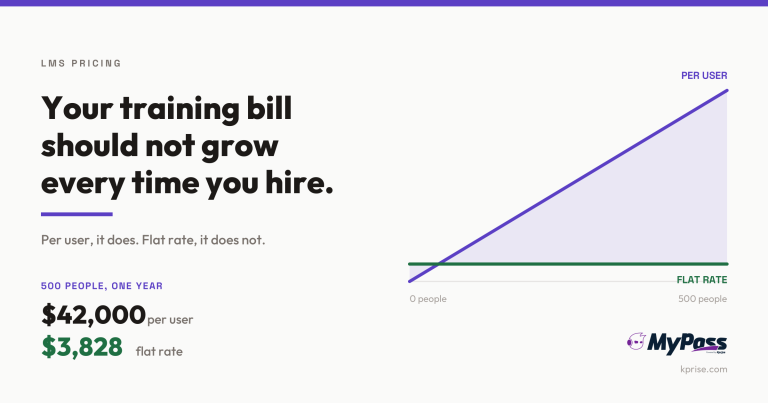
LMS Pricing Without Per-User Fees: What Flat-Rate Actually Costs
Choosing an LMS
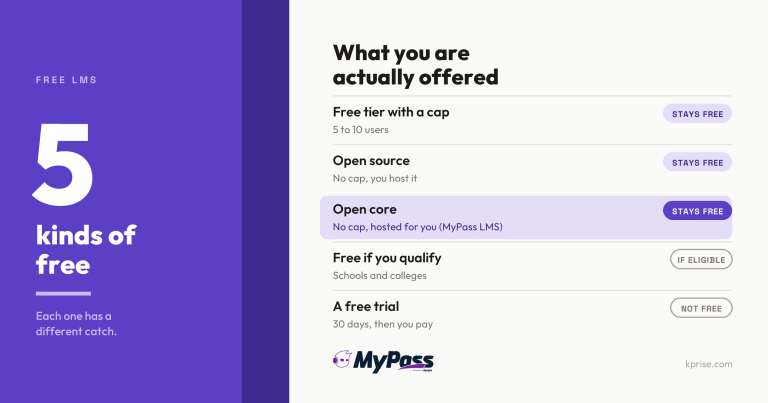
Free LMS or Free Trial? The Five Kinds of Free

Choosing an LMS
Open edX Alternatives: 7 Options Worth Comparing

Choosing an LMS