
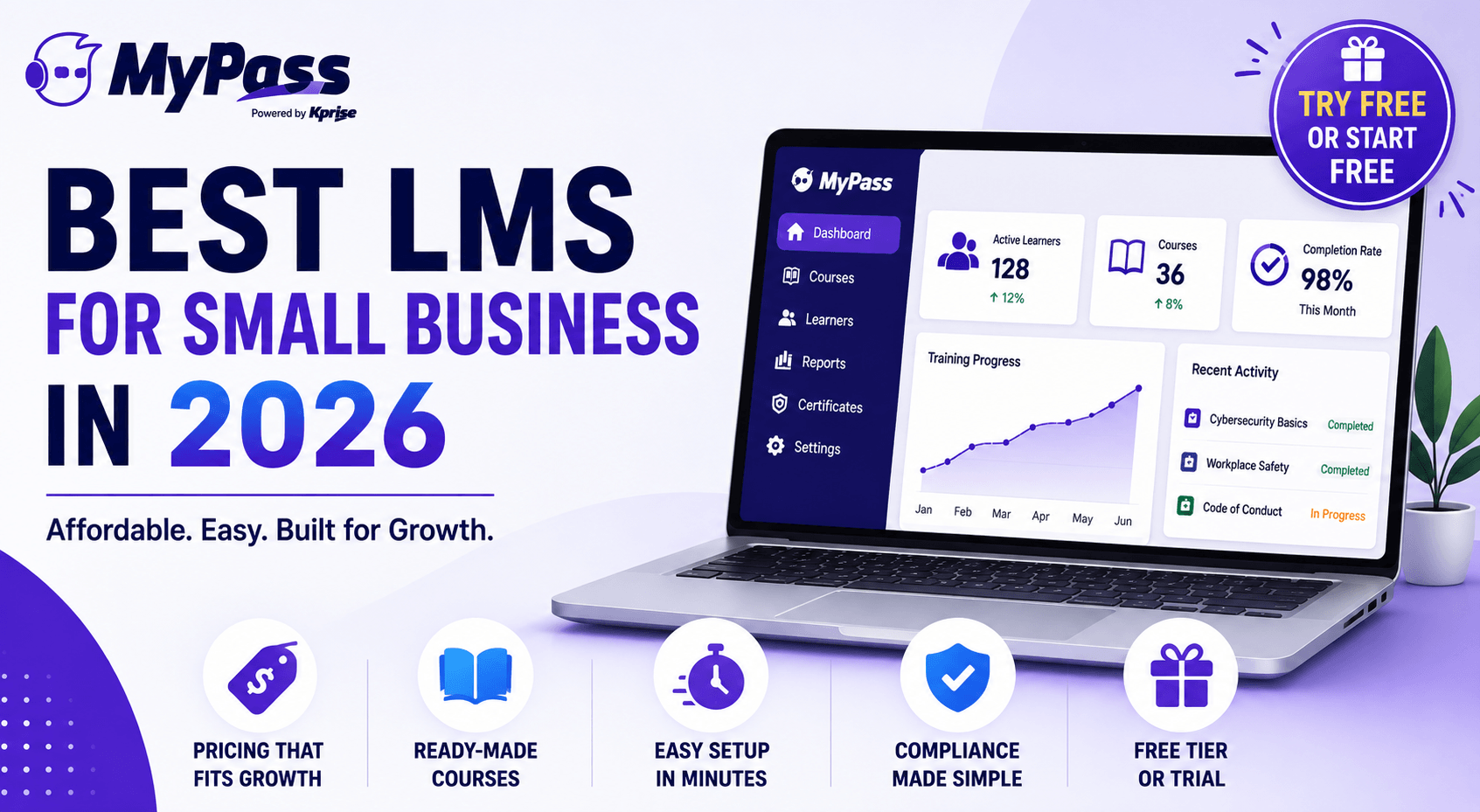
Best LMS for Small Business in 2026
On this page 6 sections
The best LMS for a small business is one that is affordable, quick to set up, and does not charge per seat as you grow. Small businesses should prioritize a low or flat price, a course library so you are not building everything from scratch, easy administration without a dedicated IT team, and compliance tracking. Avoid per-seat pricing that penalizes growth, and favor platforms offering a free tier or free trial so you can test before committing.
What 'best' actually means when you are small
For a small business, the best LMS is not the one with the most features. It is the one that gets your training running fast, does not require a dedicated administrator, and does not punish you financially as you grow. Enterprise platforms built for ten thousand person rollouts are overkill and overpriced for a forty person company, and their per-seat pricing gets painful quickly.
So the evaluation is different when you are small. Instead of asking which platform has the deepest feature set, the questions are: can I set it up without IT, is there ready-made content so I am not building courses from zero, and, most importantly, what happens to the price when I double in size. Let us work through what to prioritize.
The five things small businesses should prioritize
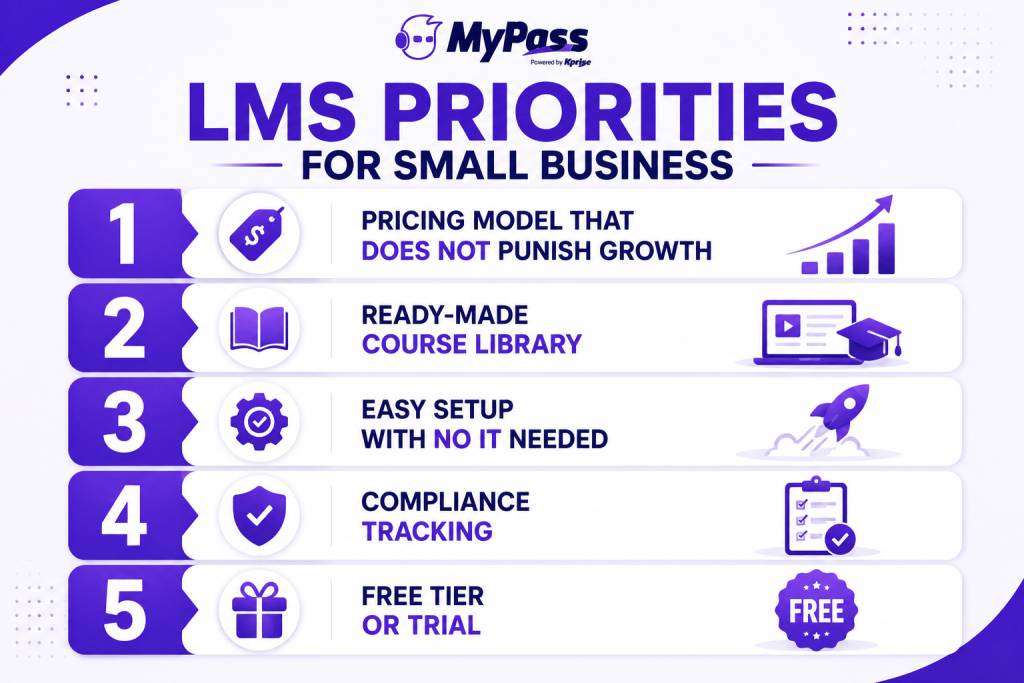
- Pricing that does not punish growth. This is the big one. Per-seat pricing means every new hire raises your bill, so understand the pricing models before you sign. Flat or unlimited-user pricing is far kinder to a growing small business.
- A ready-made course library. You do not have time to build compliance courses from scratch. Look for off-the-shelf content covering harassment, cybersecurity, OSHA and onboarding, either included or available.
- Easy setup with no IT required. You should be running within a day, not waiting weeks for an implementation team. Self-service signup and an intuitive admin matter more when you do not have a dedicated L&D person.
- Compliance tracking. Even small businesses have mandatory training obligations. Automatic assignment, tracking and audit-ready records protect you without adding headcount.
- A free tier or free trial. The best way to reduce the risk of the decision is to try it with your real content and team before paying.
The pricing trap that catches small businesses
Here is the mistake that costs small businesses the most: signing a per-seat LMS while you are small and cheap to serve, then watching the bill climb every time you hire. A platform that costs 200 dollars a month for forty people can cost 1,000 dollars a month at 200 people, and you have grown into a contract that now punishes the growth you worked for.
Key point
→ Run the two-year math, not the today math. The cheapest LMS at your current headcount can be the most expensive one by the time you have doubled. Flat and unlimited-user pricing protect you from your own success.
The alternative is flat or unlimited-user pricing. It costs a little more than the bargain per-seat tier on day one, and dramatically less by the time you have grown. For a small business planning to expand, that is usually the smarter buy, and some platforms offer a genuinely free tier that removes the cost question entirely for core features.
Popular options, honestly assessed
The small-business LMS market has several solid players, each with a different sweet spot. We will include ours, but honestly, the right fit depends on your situation. [Pricing figures below reflect general 2026 market positioning; confirm current rates with each vendor.]
- TalentLMS. Popular with small teams for fast, no-IT-needed setup. It uses a per-user model and has a free tier for very small teams. A good starting point, but watch the cost as you scale.
- LearnUpon. Clean and straightforward, strong for training multiple audiences. It sits at more of a mid-market price point, so it can be more than a very small business needs.
- Docebo. Powerful and AI-forward, but built for larger organizations and generally positioned for teams training 250 or more learners. Its pricing is quote-based and typically starts around 25,000 dollars a year, which is usually far more than a small business needs or wants to pay.
- MyPass LMS. All-in-one with unlimited registered users on every plan, a ready-made course library, and compliance tracking built in. A free self-hosted Community Edition and managed hosting from 99 dollars a month with no per-seat fees make it a strong fit for small businesses that plan to grow.
The honest guidance is to shortlist two or three, compare them on total cost and features , and trial your top pick with real content before committing. Every one of these can host a course. The differences are price trajectory, ease of setup, and what is included versus extra.
The bottom line
The best LMS for a small business is the one that is fast to launch, easy to run without IT, stocked with ready-made content, and, above all, priced so growth does not punish you. Per-seat pricing is the trap, and flat or unlimited-user pricing is the escape. Shortlist a couple of options, run the two-year cost math with your growth in mind, and trial before you buy.
MyPass LMS is built for small businesses that plan to grow, with unlimited registered users on every plan, a ready-made course library, compliance tracking, and setup in minutes, starting free. Compare it against other options, or start a free trial .
Frequently Asked Questions
What is the best LMS for a small business?
The best small-business LMS is affordable, quick to set up without IT, stocked with ready-made courses, and priced so it does not charge more per seat as you grow. Prioritize flat or unlimited-user pricing, compliance tracking, and a free tier or trial to test first.
How much does an LMS cost for a small business?
Small-business LMS pricing ranges from free (open-source or free tiers) to a few hundred dollars a month. Per-seat models charge per user and grow with headcount, while flat or unlimited-user models like MyPass (99 dollars a month or free to self-host) keep costs predictable.
Do small businesses need an LMS?
Once you are training more than a handful of people, especially with mandatory compliance training, yes. An LMS automates assignment, tracking and record keeping that spreadsheets and email cannot handle reliably, even at small scale.
What should a small business look for in an LMS?
Pricing that does not punish growth, a ready-made course library, easy setup without IT, compliance tracking with audit-ready records, and a free tier or trial. Ease of use and price trajectory matter more than depth of features.
Is there a free LMS for small business?
Yes. Some platforms offer free tiers or free self-hosted editions. MyPass Community Edition is free to self-host with unlimited registered users and core features, a genuine option for small businesses avoiding per-seat costs.
Keep reading
Choosing an LMS
Best LMS for Government and Public Sector Organizations
Choosing an LMS
Best LMS for Logistics and Transportation: A Buyer's Guide
Choosing an LMS
Best LMS for Hospitality: Hotels, Restaurants and Beyond
Choosing an LMS