
Best LMS for Construction: What to Look For in 2027
On this page 6 sections
Short answer
The best LMS for construction handles the things that make construction training hard: safety and certification tracking, workers spread across sites with no desk, and the need to prove compliance in an audit. Look for mobile-first delivery, strong certification and expiry tracking, offline or low-connectivity access, and reporting that stands up to a safety inspection.
What Makes This Industry Different
Construction training isn't like training an office. Your workforce is spread across job sites, rarely sits at a computer, and the stakes are physical: a worker who missed a safety briefing isn't an inconvenience, it's a risk to life. On top of that, construction runs on certifications, and keeping track of who's certified for what, and whose cards are about to expire, is a job in itself.
So when you're choosing an LMS for construction, the usual 'look at the feature list' advice falls short. What matters is whether the platform fits how construction actually works: mobile, safety-critical, certification-heavy, and audited. Get that fit right and training stops being a clipboard-and-spreadsheet headache. Get it wrong and you've bought software your crews won't touch.
Key point
Construction has one training rule above all others: if your people can't reach the training from a phone on-site, they won't do it. Desktop-only platforms are a non-starter for a workforce that lives on scaffolding and in cabs, not at desks.
What to Look for in an LMS
Generic 'best LMS' lists miss what actually matters for your sector. Here's what to weigh, based on the realities of the work, not a feature checklist.
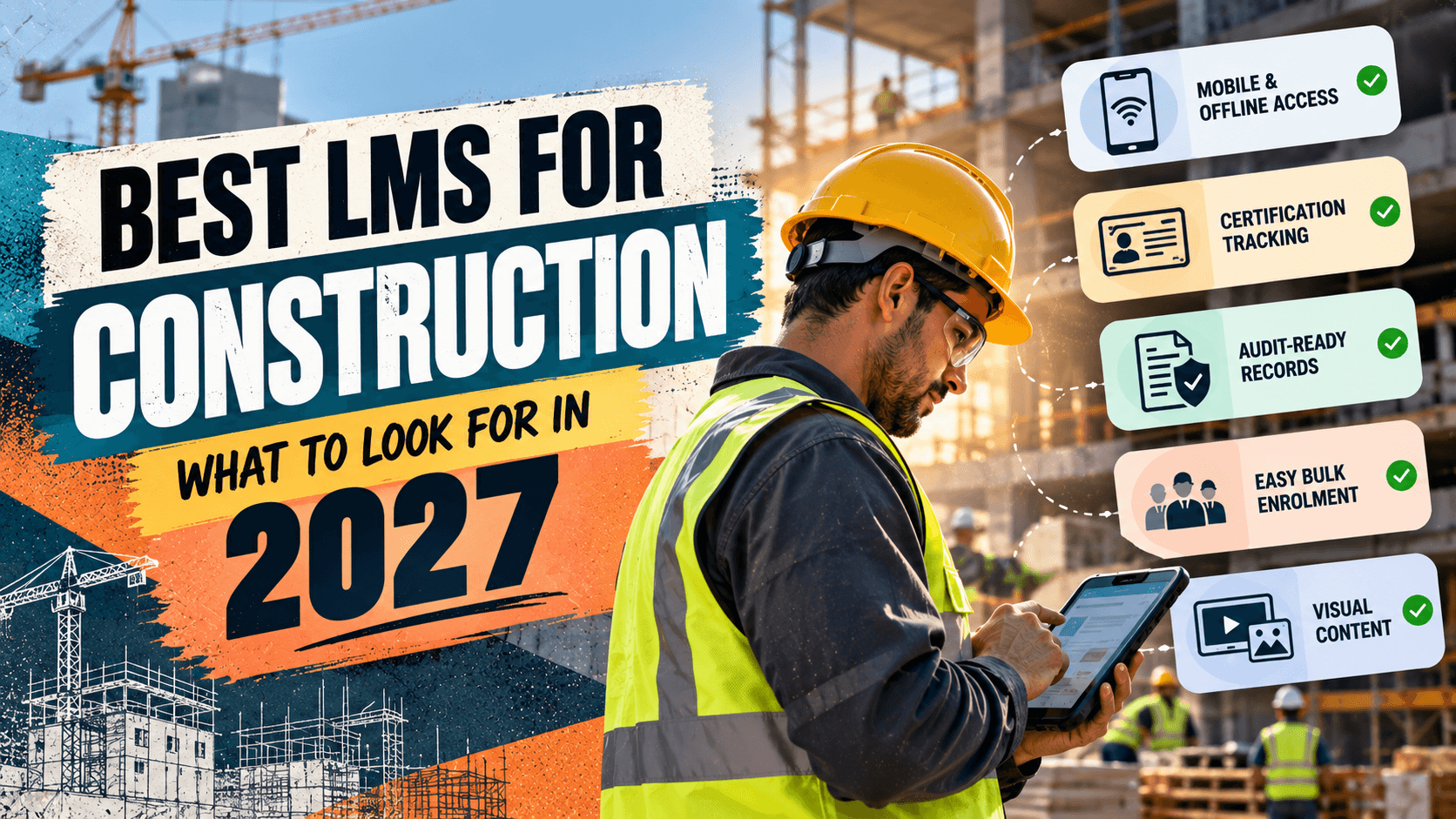
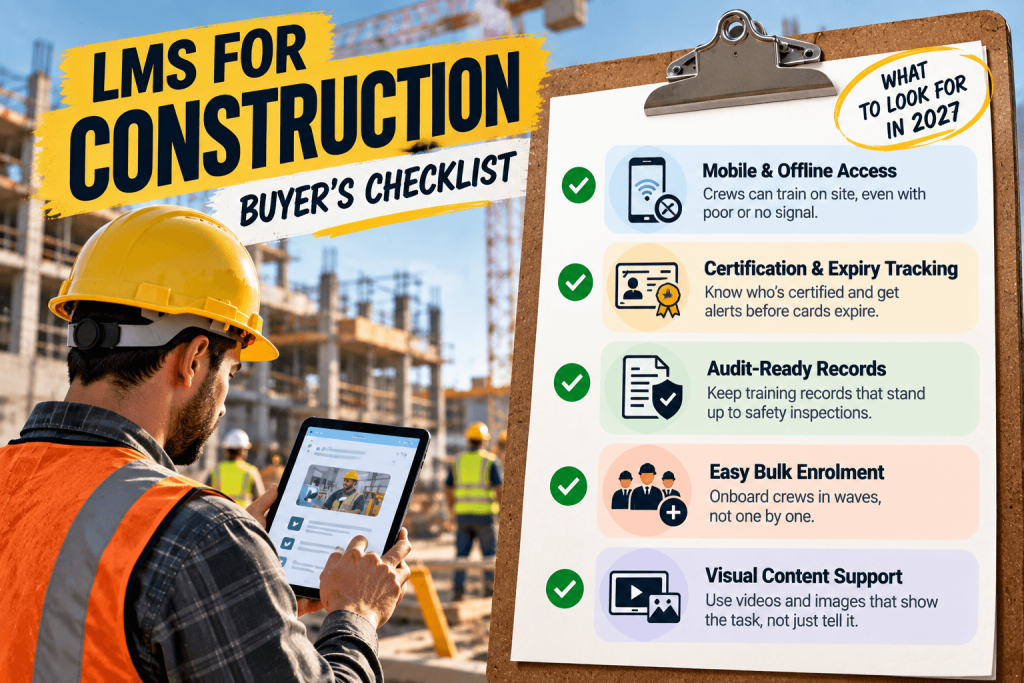
- Mobile and offline access, so crews can train on a phone or tablet, even where signal is poor.
- Certification and expiry tracking, so you know who's certified, and get warned before cards lapse.
- Safety-training records that hold up in an audit or after an incident.
- Easy bulk enrolment, because you onboard crews in waves, not one at a time.
- Simple, visual content support, since a lot of construction training is better shown than written.
Certification Tracking Is the Deal-Breaker
If there's one feature that separates an LMS built for construction from a generic one, it's certification management. Construction workers hold a stack of certifications, safety cards, equipment tickets, trade qualifications, and every one has an expiry date. Let one lapse and you may have a worker legally unable to be on-site, or a compliance gap that surfaces at the worst possible moment.
A good construction LMS tracks every certification against every worker, flags the ones about to expire, and automatically reassigns the refresher training before the deadline. That turns certification from a spreadsheet someone has to remember to check into a system that chases itself. For a construction business, that single capability often justifies the platform on its own.
Where MyPass LMS Fits
MyPass LMS covers what construction training actually demands. It's mobile-first, so crews complete training on their phones on-site rather than being pulled to a computer, and bulk enrolment gets a whole crew onboarded at once rather than one by one.
Certification and expiry tracking means you can see who's certified for what and get ahead of lapsing cards with automated reminders and reassignment, and one-click reporting produces the safety-training records an auditor or incident investigation asks for, without a scramble. Because pricing is flat with unlimited registered users, adding every worker on every site doesn't add per-seat cost, which matters when your headcount swings with the project pipeline.
Key point
Start with your biggest risk: list the certifications your workforce must hold, load them into the platform with expiry dates, and let it track and chase them. That one move removes the most common and most dangerous gap in construction training.
The bottom line
Construction training lives or dies on three things: can your crews reach it on-site, can you track the certifications that keep them legal, and can you prove it all in an audit. The best LMS for construction is the one that handles those realities, mobile delivery, certification tracking, and audit-ready records, not the one with the longest feature list.
See how mobile delivery, certification tracking and audit-ready reporting come together in MyPass LMS features, read about OSHA safety training requirements, or start a free trial. This article is general guidance, not legal or safety-compliance advice.
Frequently asked questions
What should I look for in an LMS for construction?
Prioritise mobile and offline access (your crews are on-site, not at desks), strong certification and expiry tracking (construction runs on cards and tickets that lapse), audit-ready safety-training records, easy bulk enrolment for onboarding crews in waves, and support for visual content since much construction training is better shown than written. Generic 'best LMS' feature lists miss these; what matters is fit with how construction actually works.
Why do construction companies need a specialised LMS?
Because construction training has demands most LMS platforms weren't built for: a deskless workforce spread across sites, safety-critical content where a missed briefing is a real risk, and a constant flow of certifications with expiry dates to track. A platform that assumes office workers at desks with good wifi doesn't fit. The right LMS handles mobile delivery, certification tracking and audit-ready records, which is what keeps a construction workforce both trained and compliant.
How does an LMS help with construction safety compliance?
It delivers required safety training to workers wherever they are, tracks who's completed what with dates and assessment results, reassigns refreshers on the right cycle so nothing lapses, and produces the records an auditor or incident investigation needs on demand. Instead of chasing paper certificates and spreadsheets, you get a system that assigns, tracks and proves safety training automatically, which both reduces risk and makes an inspection far less stressful.
Can construction workers do training on their phones?
Yes, and with a deskless workforce it's essential. A good construction LMS is mobile-first, so workers complete training on a phone or tablet on-site, at their own pace, without being pulled to a computer. The better platforms also handle low-connectivity situations common on job sites. If an LMS only really works on a desktop, construction crews won't use it, so mobile access is one of the first things to check.
Keep reading
Choosing an LMS
Best LMS for Government and Public Sector Organizations
Choosing an LMS
Best LMS for Logistics and Transportation: A Buyer's Guide

Choosing an LMS
Best LMS for Hospitality: Hotels, Restaurants and Beyond
Choosing an LMS