
LMS Requirements Checklist You Can Copy
On this page 5 sections
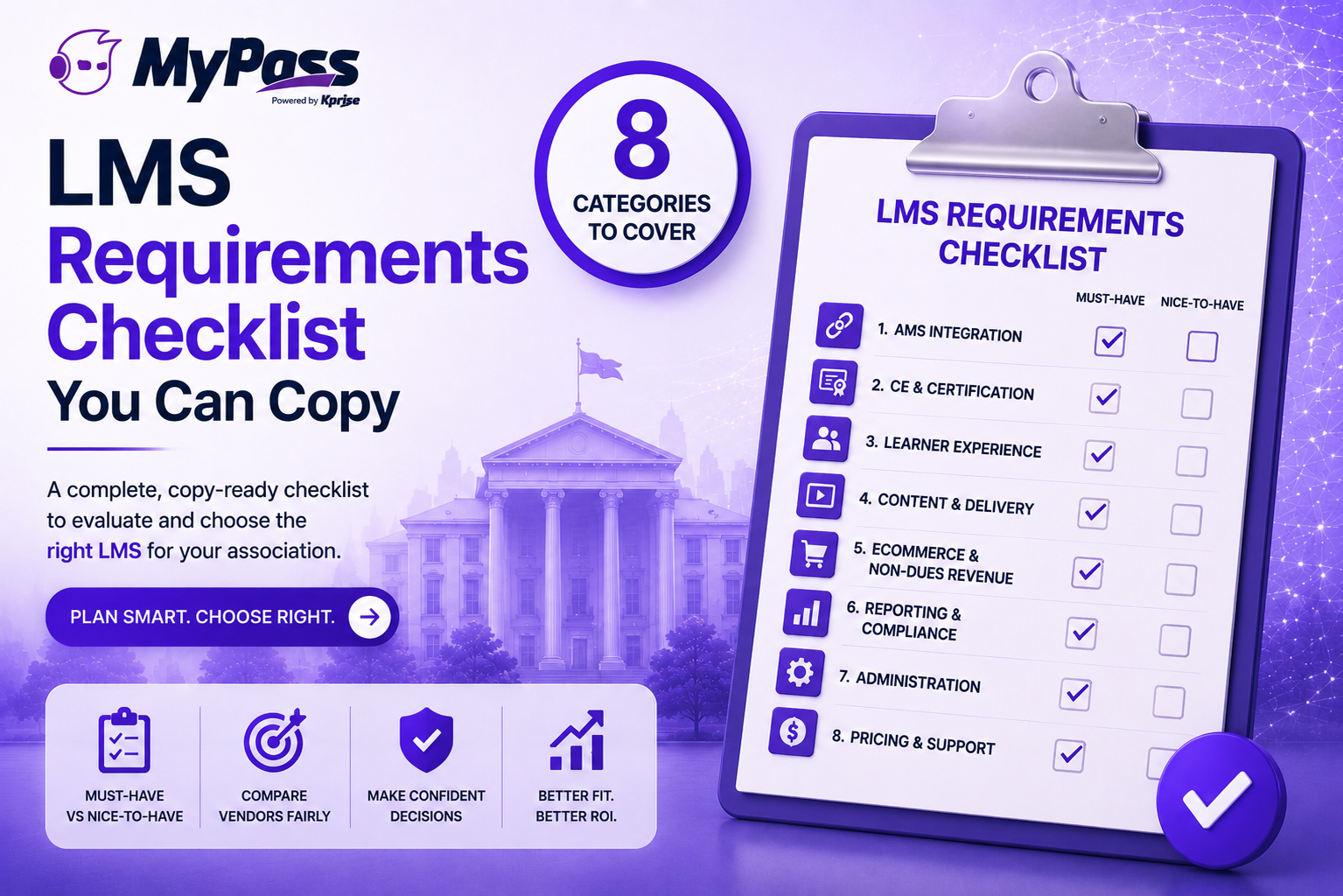
An LMS requirements checklist for an association should cover eight categories: AMS integration, CE and certification handling, learner experience, content and delivery, ecommerce and non-dues revenue, reporting and compliance, administration, and pricing and support. Specify must-haves versus nice-to-haves in each category before you shortlist vendors — a written requirements list is what keeps demos honest and comparisons fair.
Why a requirements list beats a feature wishlist
There's a difference between a list of features you'd like and a list of requirements you can hold vendors to. The first gets you a pleasant demo. The second gets you a platform that actually works for your association — because you decided what mattered before anyone started selling to you.
Copy the checklist below, mark each item must-have or nice-to-have for your organization, and use it to score every vendor. It's organized by category so nothing important slips through, and it's built for associations specifically — which means it leads with the things generic LMS checklists forget.
The checklist: eight categories to specify
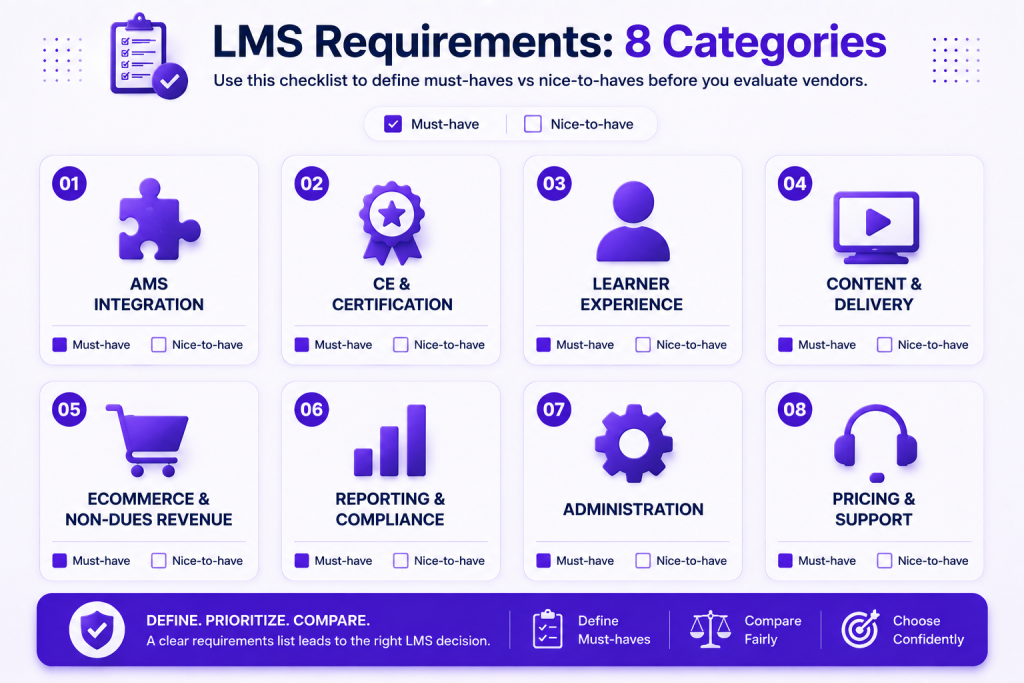
1. AMS integration — the category that gates the rest.
- Native, bidirectional integration with your specific AMS (iMIS, Nimble AMS, MemberClicks, Fonteva and others )
- Single sign-on so members log in once
- Automatic member sync and tier-based enrollment
- CE credit and completion writeback to the member profile
2. CE and certification.
- Your specific credit types (CEU, CPE, CME, CLE), including fractional credits
- Certification issuance, expiry tracking and recertification workflows
- Transcript generation and accreditation-body reporting
3. Learner experience.
- Modern, mobile-responsive interface
- Accessible design (WCAG considerations)
- Intuitive navigation that doesn't need a manual
4. Content and delivery.
- SCORM and xAPI support
- Live/instructor-led training and webinar handling
- Assessments, quizzes and exam proctoring options
The checklist, continued: categories 5-8
5. Ecommerce and non-dues revenue.
- Native course ecommerce
- Member versus non-member pricing
- Bundles, subscriptions and discount handling
- Content protection / DRM
6. Reporting and compliance.
- Audit-ready completion reports and an immutable audit trail
- Custom and board-level reporting
- Automated reminders for expiring credits and certifications
7. Administration.
- Role-based admin permissions
- Bulk operations and automation rules
- Chapter / committee / group management
8. Pricing and support.
- Transparent total cost including implementation, integrations and add-ons
- Data migration support (full historical credit and learner records)
- Implementation timeline and ongoing support terms
Key point
→ For each line, don't just ask 'do you have this?' — ask vendors to show it in the demo. A checkbox on a feature grid and a working demonstration are very different things, especially for AMS integration and CE writeback.
The bottom line
A good LMS requirements checklist turns a vendor selection from an impressionable series of demos into a fair, scored comparison. Specify your must-haves across all eight categories before you shortlist, lead with AMS integration and CE handling because those are where association-fit is won or lost, and insist on live demonstrations rather than feature-grid checkmarks. Do that and the right platform becomes obvious.
MyPass LMS was built against exactly this checklist — native integration with eight AMS platforms, full CE and certification handling, non-dues revenue tools, audit-ready reporting, and unlimited registered users. Compare it against your requirements , or start a free trial and check the boxes yourself.
Frequently Asked Questions
What should be on an LMS requirements checklist?
Eight categories: AMS integration, CE and certification handling, learner experience, content and delivery, ecommerce and non-dues revenue, reporting and compliance, administration, and pricing and support. Mark each item must-have or nice-to-have before shortlisting.
What's the most important LMS requirement for an association?
Native, bidirectional AMS integration. It gates other requirements — tier-based enrollment, SSO and accurate CE records all depend on it. Make it a must-have and verify it live in demos.
How do I use an LMS requirements checklist?
Copy it, mark each item must-have or nice-to-have for your organization, then score every vendor against it. Ask vendors to demonstrate each capability live rather than accepting a feature-grid checkmark.
Should pricing model be a requirement?
Yes. For associations, a pricing model that fits your membership — ideally unlimited registered users or flat pricing rather than per-seat — belongs in your requirements, because per-seat models penalize membership growth.
What's the difference between a requirements checklist and an RFP?
A requirements checklist defines what you need internally. An RFP formally asks vendors to respond to those requirements. Build the checklist first, then use it as the backbone of your RFP.
Keep reading
Compliance training
Fire Safety Training Requirements: What Employers Need to Know
Compliance training
OSHA Safety Training Requirements: What You Must Provide and How Often
Compliance training
