
Strategies To Manage Your LMS Effectively
Five strategies for running an LMS well: build a blueprint, train your admins, create engaging content, use visuals, and set goals you can measure.

On this page 6 sections
With the advent of the Learning Management System (LMS), online training has become
prevalent in managing courses and online material, whether in the corporate or
educational sector.
However, once an LMS has been put into place, what steps must be taken to
improve its effectiveness in the long run? To help you do this, consider the following steps for their practical use.
1. Create a Blueprint
Before taking definite action, create a detailed blueprint or a roadmap guided by
the organization's needs and what they expect from the software. Then, after
discussing all the necessary details, make a list of instructions and align the
processes accordingly.
2. Provide LMS Training to Employees
Your employees or students may get confused with new features, and it may be
hard for them to use them conveniently. To avoid complications with its
management, the organization can train its users to utilize the software fully.
3. Create Engaging Content
To keep your users engaged with your LMS, make sure that you continually update
your content and courses so that your users can have a refreshing experience while
learning.
4. Provide Visuals
To improve user experience, increase visual engagement by adding interactive
videos relevant to the course or training. In addition, videos compatible with the
mobile device can help increase user interest as it happens to be more convenient.
5. Set Goals
To increase learning within the organization, features like tracking learners' goals
and achievements would be a fun way to motivate users to use LMS effectively,
which could significantly improve the outcome of the training being offered online.
6. Ask for Feedback
Feedback would help provide the organization with a rough idea of what strengths
and weaknesses are associated with their LMS and can help improve its feature or
difficulties the users face.
Positive or negative feedback will help motivate the organization to bring innovative
features and help in its effective management. To do this, you can ask employees or students for their feedback on the LMS so that you know where to make the proper changes.
After its implementation, managing and maintaining LMS can help the company
innovate and create user-friendly software, which allows an organization to have its
needs fulfilled, ultimately bringing in more influx of users and investors. Therefore,
effective management of LMS is a crucial way to ensure its longevity.
In case of any assistance with implementing the learning management system, feel free to contact Kprise. Talk to us now to know more about our expertise.
Read More on LMS
Keep reading
L&D strategy
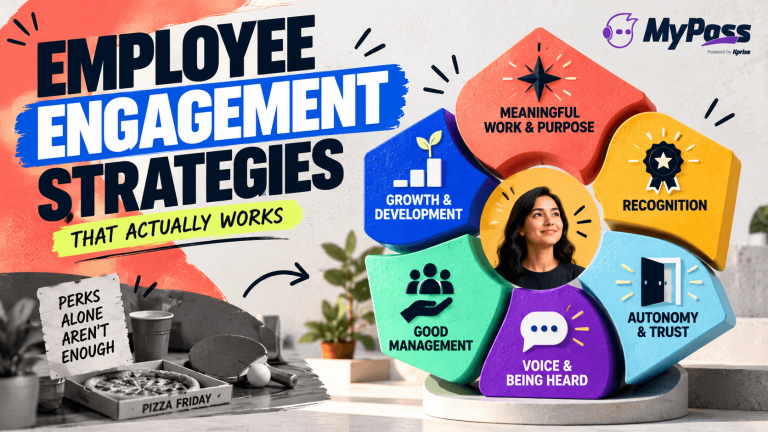
Employee Engagement Strategies That Actually Work
Choosing an LMS
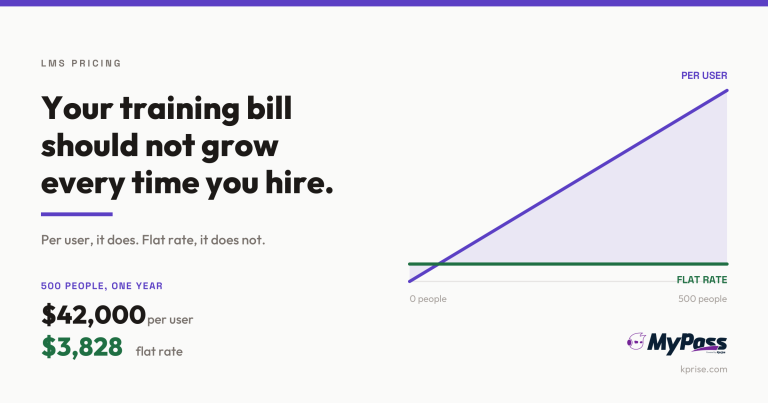
LMS Pricing Without Per-User Fees: What Flat-Rate Actually Costs
Choosing an LMS
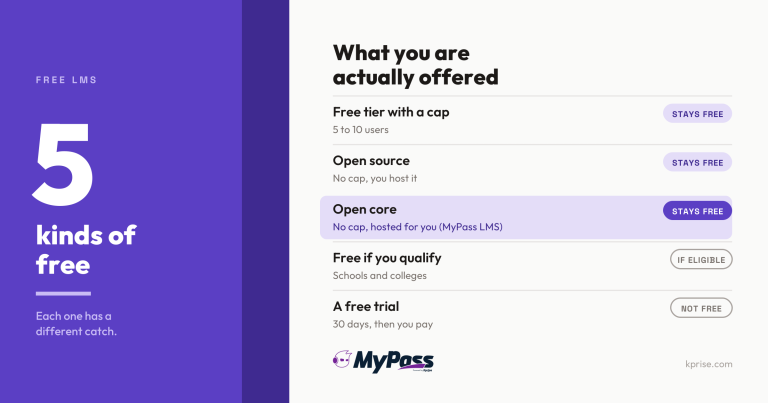
Free LMS or Free Trial? The Five Kinds of Free

Choosing an LMS