
Why We Made Our LMS Free: Inside MyPass Community Edition
On this page 6 sections
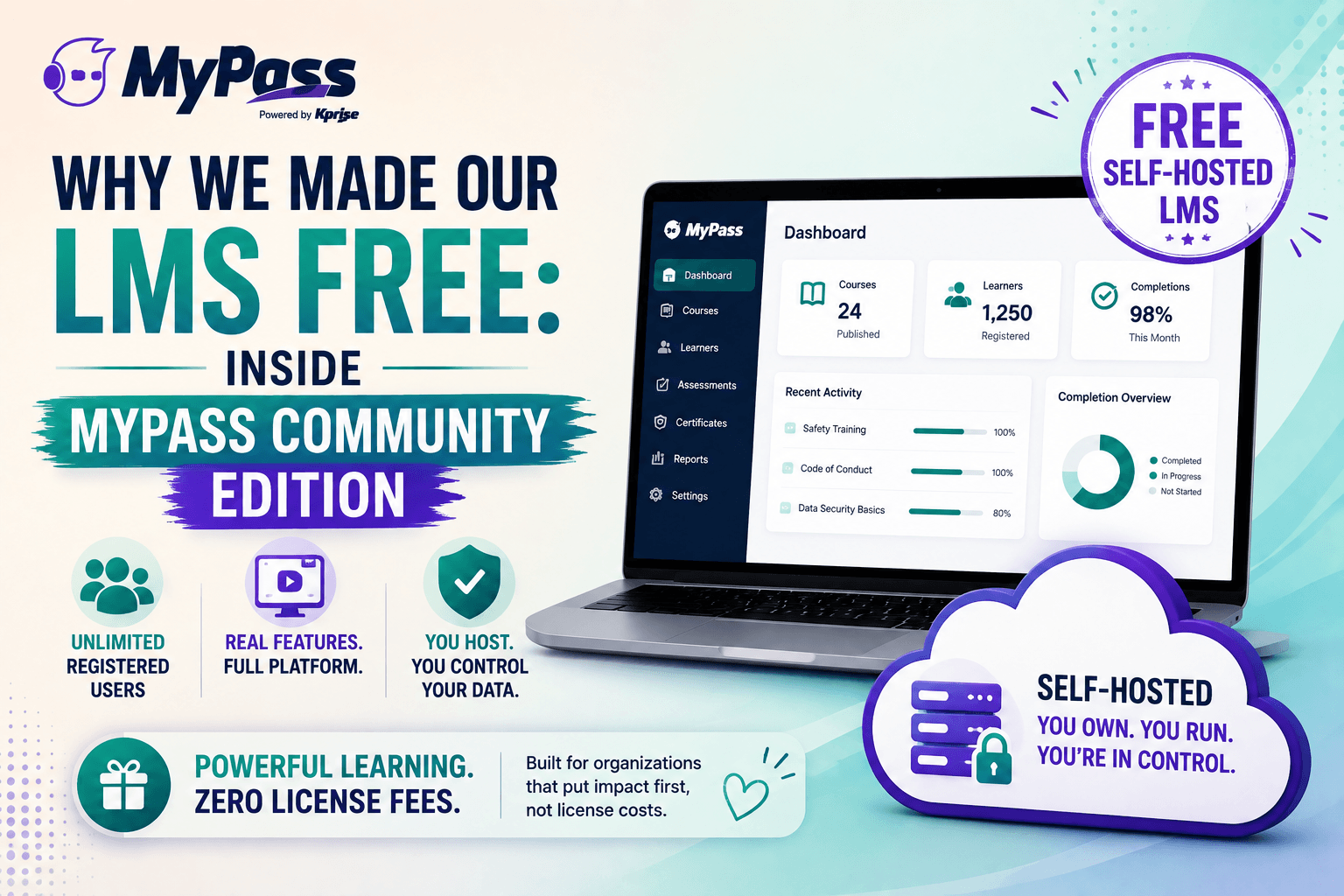
MyPass Community Edition is a free, self-hosted version of the MyPass LMS with unlimited registered users and the core learning management features included, not a stripped-down trial. You host it yourself, which means no license fee, and you get course delivery, tracking, assessments and certificates. It exists so organizations can run a full training program without per-seat costs, and upgrade to managed hosting only if and when they want us to run it for them.
Most 'free' LMS options are not really free
Search for a free LMS and you quickly learn that free means very different things. One platform is free up to ten users, then it is not. Another is free but missing the features you actually need, so you upgrade almost immediately. A third is open-source and genuinely free to license, but running it demands real technical work and cost.
We built MyPass Community Edition because we thought the free option should be honest. It is a free, self-hosted version of the full MyPass LMS with unlimited registered users and the core features included. Not a ten-user cap, not a feature-starved teaser, and not a countdown to a sales call. This article explains exactly what is in it, who it suits, and why giving away a real product makes sense for us.
What is actually included
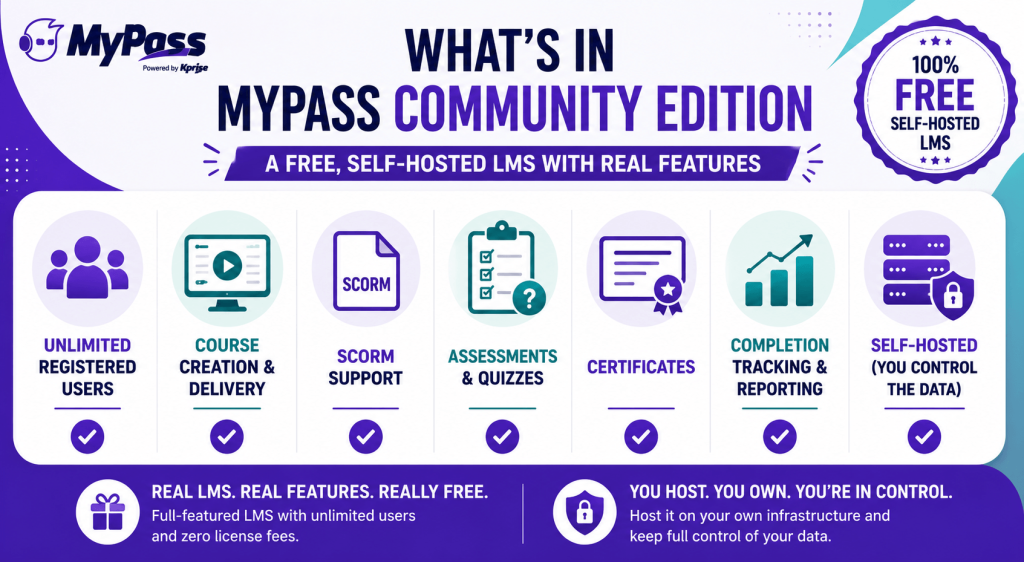
Community Edition is the core platform, not a demo. It includes:
- Unlimited registered users. Put your whole team or membership on it without a per-seat count.
- Course creation and delivery, so you can build and run real training.
- SCORM support , so you can use standard eLearning content you already own.
- Assessments, quizzes and certificates, to test learning and issue proof of completion.
- Completion tracking and reporting, so you know who has done what.
- Self-hosting, which means you run it on your own infrastructure and keep full control of your data.
Key point
→ The catch, and there is always one with free, is that you host and maintain it yourself. Community Edition trades a license fee for hosting responsibility. You get the full core product; you provide the server and the upkeep.
Who Community Edition is right for, and who should not use it
Being honest about fit is more useful than pretending it suits everyone. Community Edition is a strong choice if:
- You have some technical capacity to host and maintain a web application, or a partner who does.
- You want to avoid per-seat licensing and run unlimited users at no software cost.
- You value controlling your own data and infrastructure.
- You are a nonprofit, association or small team where budget matters and you can trade setup effort for zero license cost.
It is probably not the right starting point if you want someone else to handle hosting, updates, security and support for you, or if you need the advanced managed features and integrations. In that case managed hosting exists precisely so you get the same platform without the operational burden. Many organizations start on Community Edition and move to managed hosting as they grow, which is exactly the path we designed.
Why give away a real product
The reasonable question is why a company would give away a genuinely capable version of its product rather than a crippled teaser. The answer is straightforward. We would rather you run MyPass for free and love it than pay a competitor for a per-seat plan you resent.
A free, real Community Edition means you can evaluate the actual platform at full scale, with your own content and your own people, with no time limit and no user cap. If self-hosting works for you, it stays free and we are glad to have you in the community. If, over time, you would rather we handled the hosting, security, updates and support, managed hosting is there. That path, from free to managed only when it suits you, is the whole idea. It is the opposite of the usual model where free exists mainly to frustrate you into upgrading.
The bottom line
MyPass Community Edition is a free, self-hosted LMS with unlimited registered users and the real core features, built for organizations that would rather trade hosting effort for zero license cost. It is not a capped trial or a feature-starved teaser. If you have the technical capacity to self-host, it can run a full training program for free indefinitely, and managed hosting is there for the day you would rather we ran it for you.
See what is included and download MyPass Community Edition , or if you would rather we host it, compare Community Edition with managed hosting. Either way, explore the full platform features first.
Frequently Asked Questions
Is MyPass Community Edition really free?
Yes. Community Edition is a free, self-hosted version of the MyPass LMS with unlimited registered users and the core features included. There is no license fee. You provide the hosting and maintenance, which is the trade for it being free.
What features are in MyPass Community Edition?
Unlimited registered users, course creation and delivery, SCORM support, assessments and quizzes, certificates, and completion tracking and reporting. It is the core platform, not a stripped-down demo.
Who should use Community Edition?
Organizations with some technical capacity to self-host, who want to avoid per-seat licensing, value controlling their own data, or are nonprofits and small teams where budget matters. It suits those who can trade setup effort for zero license cost.
What is the difference between Community Edition and managed hosting?
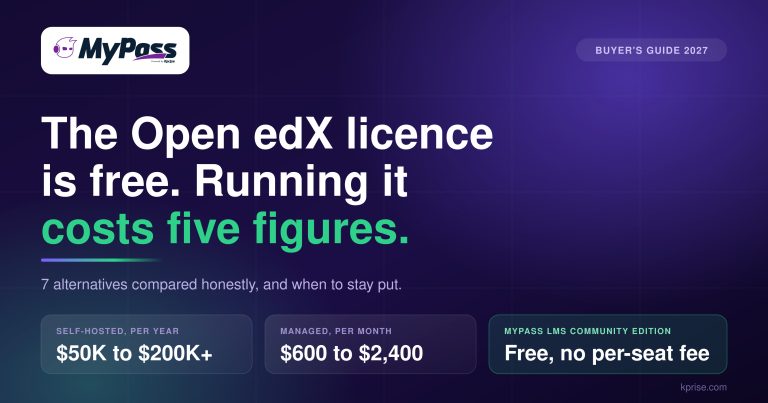
Community Edition is free and self-hosted, so you run and maintain it. Managed hosting means MyPass runs the platform for you, handling hosting, security, updates and support, with additional managed features, starting at 99 dollars a month.
Can I move from Community Edition to managed hosting later?
Yes. Many organizations start on the free Community Edition and move to managed hosting as they grow or decide they would rather not handle hosting themselves. The path from free to managed is designed to be smooth.
Keep reading
Choosing an LMS
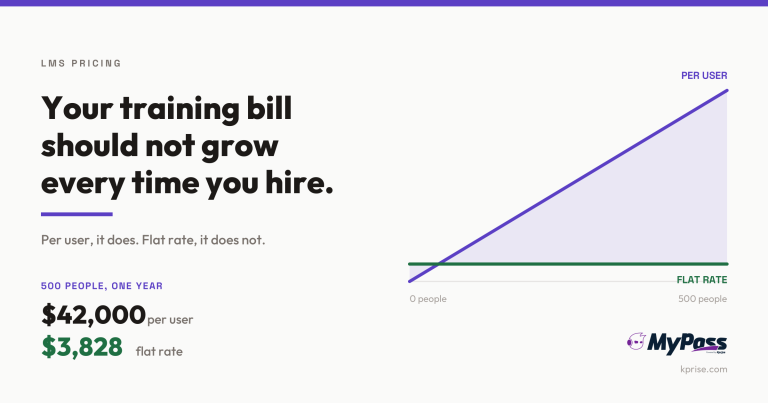
LMS Pricing Without Per-User Fees: What Flat-Rate Actually Costs
Choosing an LMS
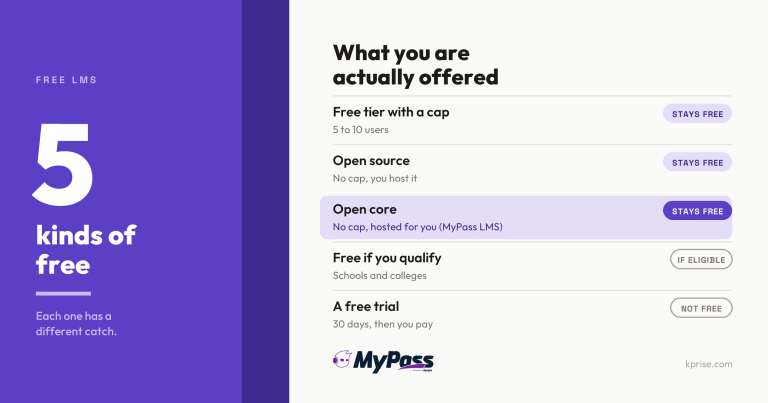
Free LMS or Free Trial? The Five Kinds of Free
Choosing an LMS
Open edX Alternatives: 7 Options Worth Comparing
Choosing an LMS