
How to Choose a Free LMS Without Regret
A free LMS comes in three forms: a capped free tier of a paid product, open-source software, or open-core with a free self-hosted edition. Choose by looking past the word free to the real limits, hidden costs like hosting and maintenance, and whether the upgrade path is a smooth migration rather than a replatform.
On this page 7 sections
Short answer
A free LMS comes in three forms: a capped free tier of a paid product, open-source software, or open-core with a free self-hosted edition. Choose by looking past the word free to the real limits, hidden costs like hosting and maintenance, and whether the upgrade path is a smooth migration rather than a replatform.
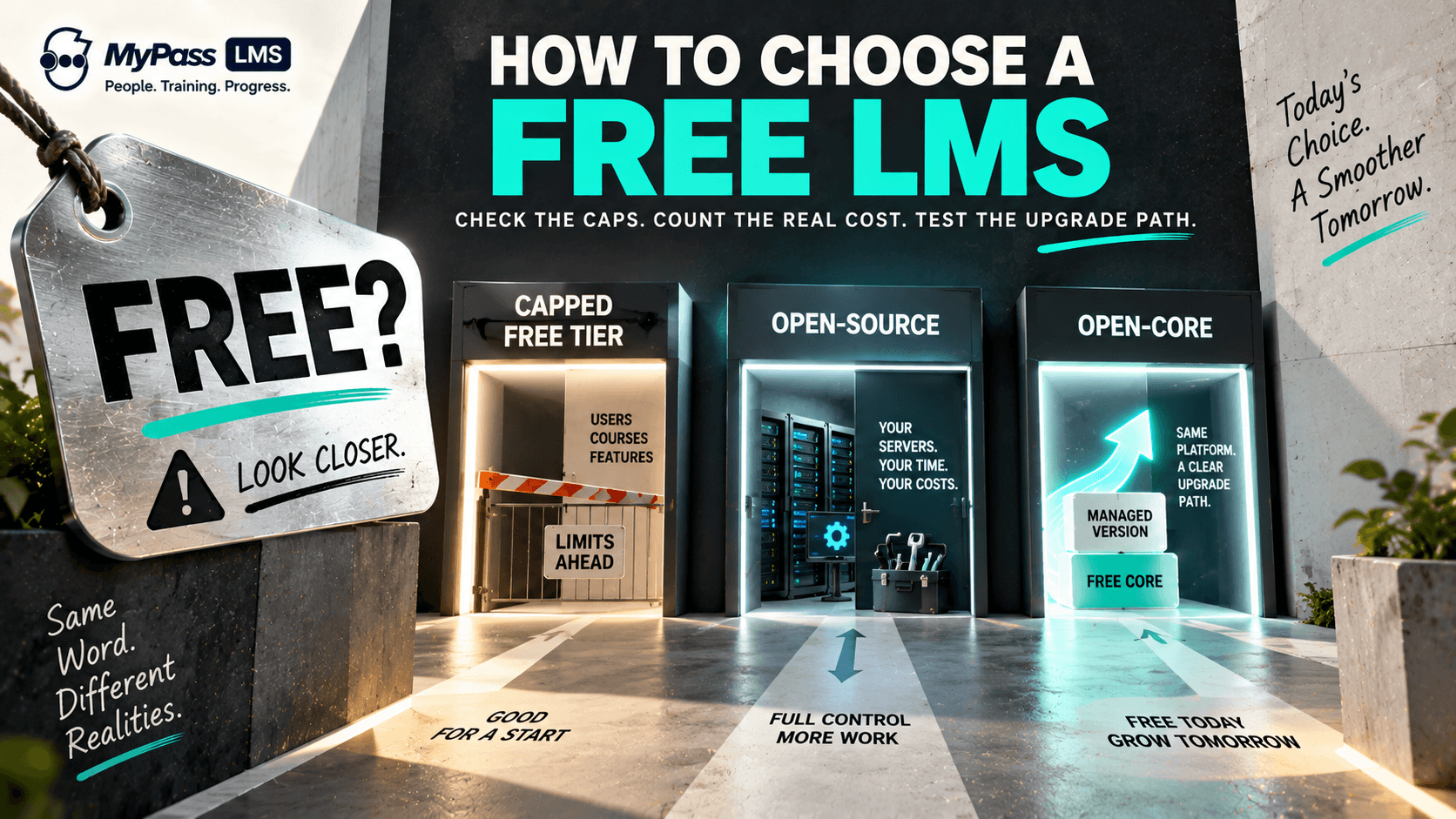
Free Means Three Different Things
The first thing to understand about a free LMS is that free is not one thing. It comes in three distinct forms, and confusing them is how buyers end up disappointed. Knowing which kind you are looking at tells you where the catch is, because there is always a catch somewhere.
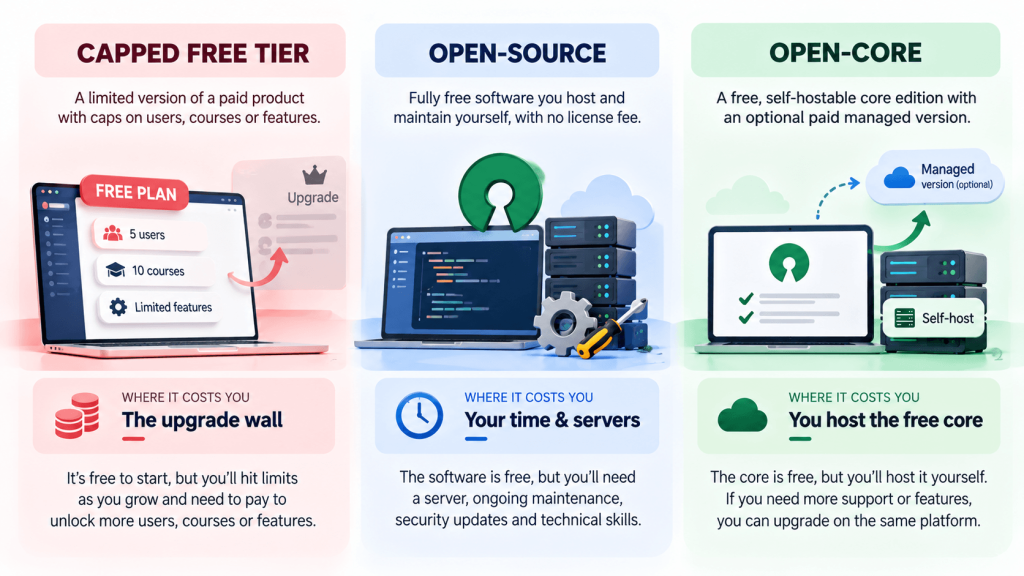
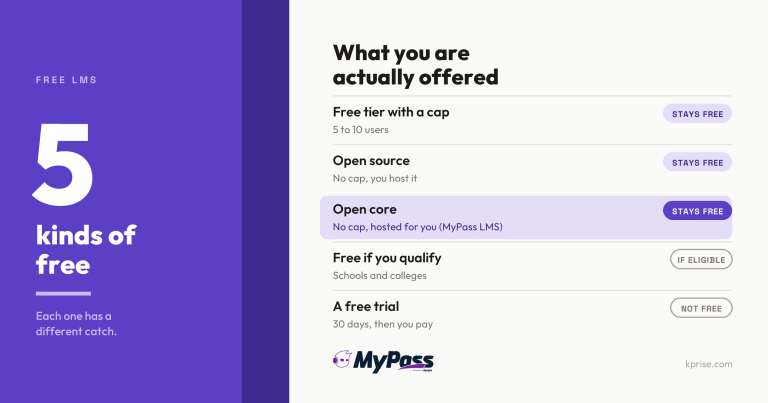
- Capped free tier: a limited version of a paid product, usually capping users, courses or features to push you to upgrade.
- Open-source: fully free software you host and maintain yourself, with no license fee but real cost in hosting and staff time.
- Open-core: a free, self-hostable core edition backed by an optional paid managed version, combining free with a clean upgrade path.
Key point
There is no such thing as a free lunch in software. Every free LMS trades cost somewhere: a capped tier limits your growth, open-source shifts cost onto your own team, and open-core asks you to run a server. The question is which trade-off suits you.
The Limits to Check Before You Commit
The word free hides the limits that actually matter. Before choosing any free LMS, check exactly where each one caps you, because that is where free quietly becomes paid.
| Limit | Question to ask |
| Users | How many users before you must pay? |
| Courses | Is the number of courses capped? |
| Features | Which features are locked behind the paid version? |
| Support | Is there any support, or are you on your own? |
| Branding | Can you remove the vendor's branding? |
The Hidden Costs of Free
Free rarely means free of cost; it often means free of license fee. The costs move rather than disappear, and the ones people underestimate are almost always the operational ones.
- Hosting: open-source and self-hosted options need a server, which is a real, ongoing cost.
- Maintenance: updates, security patches, backups and uptime all take staff time or money.
- Setup: getting a self-hosted LMS running needs technical capacity most small teams lack.
- Growth: a free tier that fits today can become expensive the moment you cross its cap.
Key point
The most common free-LMS regret is the capped tier that was free at 20 users and suddenly costs real money at 50. Before committing, model the cost at the size you expect to reach, not the size you are today.
The Upgrade Path Is Everything
Almost every organization outgrows a free LMS eventually, so the single most important thing to check is what happens when you do. The best free options let you move up smoothly; the worst force a painful migration to a different product entirely.
This is where open-core has a structural advantage. Because the free edition and the paid managed version are the same platform, moving up is a data migration, not a replatform. A capped free tier can also upgrade cleanly if it is the same product, but a free open-source tool with no commercial path may leave you rebuilding elsewhere when you outgrow what you can self-manage.
Where MyPass Community Edition Fits
MyPass LMS takes the open-core approach. MyPass Community Edition is a free, self-hosted edition with unlimited registered users and the core learning features included, so 'free' does not come with a user cap that punishes growth. You provide the hosting and maintenance, which is the honest trade-off of any self-hosted option.
The advantage is the upgrade path: when you want managed hosting rather than running your own server, moving to the paid managed version is a data migration on the same platform, not a rebuild on a different product. That combines the genuine zero-cost start of open-source with a clean route up as you grow.
Key point
If you have the technical capacity to run a server, an open-core free edition like MyPass Community Edition gives you unlimited users at zero license cost with a real upgrade path. If you do not, a managed option may cost less once you count your own staff time.
The bottom line
Choosing a free LMS well means seeing past the word free to the three forms it takes and the trade-off each one hides: a capped tier limits growth, open-source shifts cost onto your team, and open-core asks you to host a free core. Check the real limits, count the hidden costs, and above all confirm the upgrade path is a migration, not a rebuild.
For an open-core option with unlimited users and a clean upgrade path, see how MyPass LMS pricing works, read our free LMS complete guide, or download the Community Edition.
Frequently asked questions
What are the different types of free LMS?
Free LMS comes in three forms: a capped free tier of a paid product (which limits users, courses or features), open-source software (free to use but hosted and maintained by you), and open-core (a free self-hostable core edition backed by an optional paid managed version). Each trades cost somewhere, so knowing which type you are choosing tells you where the catch is.
Is a free LMS really free?
Usually free of license fee, not free of cost. A capped free tier is free only up to its user or feature limit. Open-source and self-hosted options are free of license fee but cost real money and staff time in hosting, maintenance, updates and setup. The honest way to compare is to count total cost, including your own team's time, not just the license price.
What should you check before choosing a free LMS?
Check the real limits (users, courses, features, support, branding), the hidden costs (hosting, maintenance, setup, staff time), and the upgrade path. The upgrade path matters most: confirm that moving from free to paid is a smooth data migration on the same platform rather than a full replatform onto a different product when you outgrow the free version.
What is the best type of free LMS for a growing organization?
Open-core often suits growing organizations best, because the free self-hosted edition and the paid managed version are the same platform, so upgrading is a data migration, not a rebuild. A capped free tier can work if it upgrades cleanly, but watch the caps. Pure open-source is best if you have lasting technical capacity to self-host and maintain it.
Keep reading
Choosing an LMS
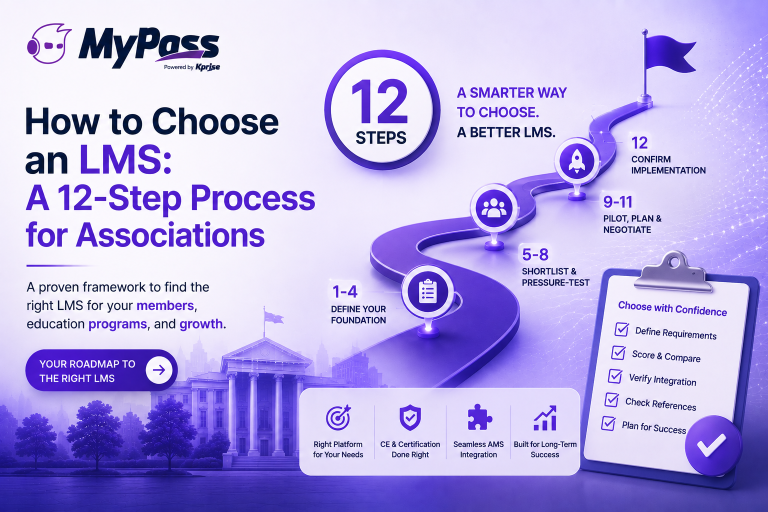
How to Choose an LMS: A 12-Step Process for Associations
Choosing an LMS
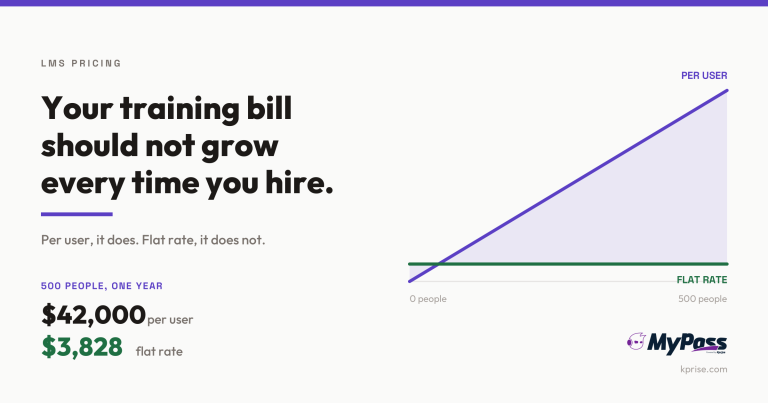
LMS Pricing Without Per-User Fees: What Flat-Rate Actually Costs
Choosing an LMS
Free LMS or Free Trial? The Five Kinds of Free
Choosing an LMS