
LMS Hosting: Self-Hosted vs Managed, and What Self-Hosting Takes
LMS hosting options compared: on-premises, your own cloud, managed and SaaS. What self-hosting an LMS really takes, what it costs, and when managed wins.
On this page 9 sections
Short answer
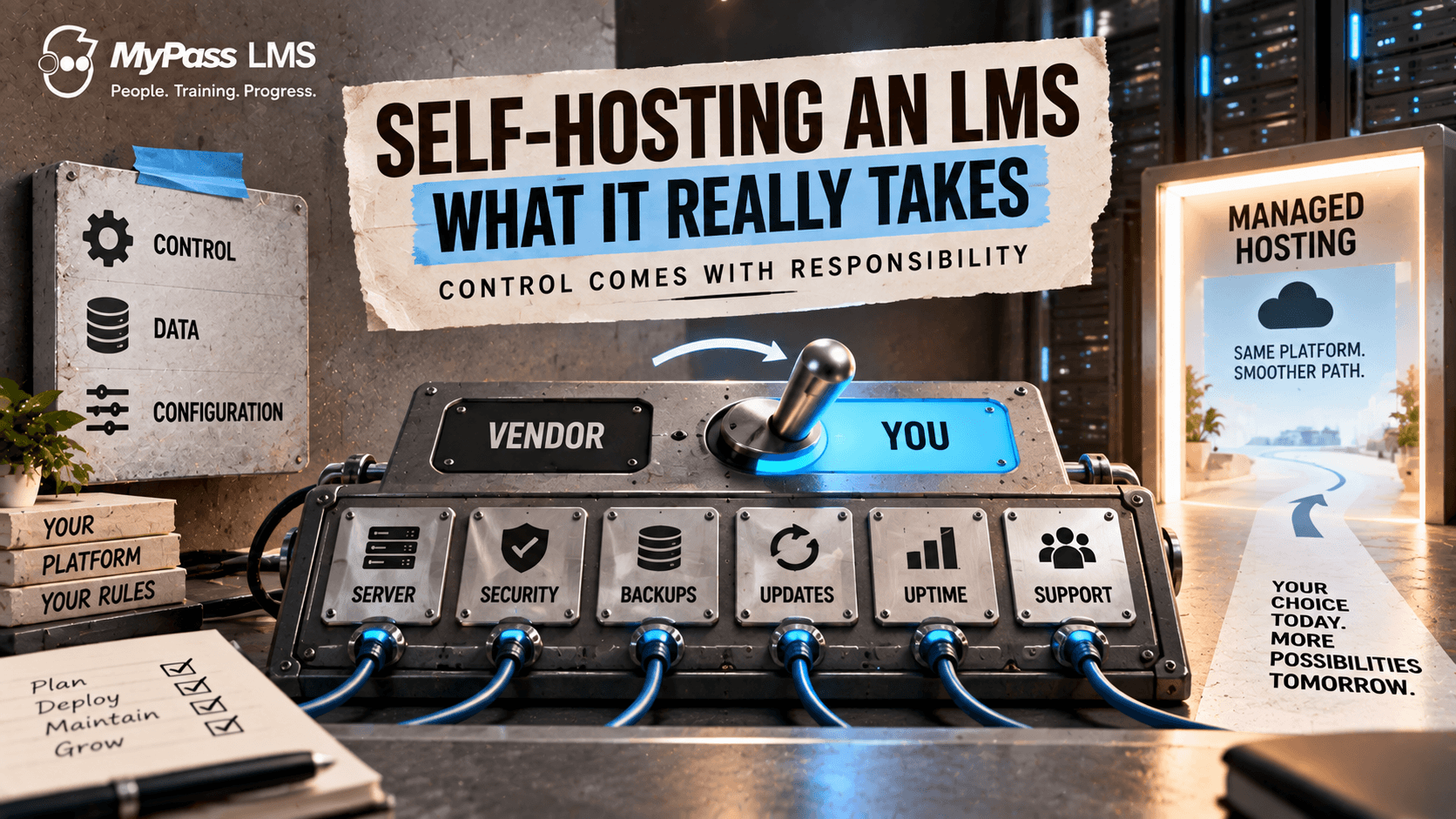
Self-hosting an LMS means running the platform on your own servers instead of a vendor’s cloud. You gain full control, data residency and no per-user fee, but you take on the server, security, backups, updates and the staff time to manage them. It suits teams with standing IT capacity or strict data requirements.
What Self-Hosting Actually Means
Self-hosting an LMS means you run the software on infrastructure you control, your own servers or your own cloud account, rather than paying a vendor to host it for you. You hold the data, control the environment, and typically avoid per-user license fees, especially with open-source or open-core platforms.
The appeal is control and cost. You decide where data lives, how the platform is configured, and you are not billed per seat. The reality is responsibility: everything a hosting vendor would normally handle, uptime, security, backups, updates, becomes your job. Self-hosting is not free; it trades a hosting fee for staff time and infrastructure cost.
Key point
Self-hosting swaps a predictable hosting bill for infrastructure cost plus staff time. Whether that is cheaper depends entirely on whether you already have the IT capacity to absorb the work, or have to add it.
LMS Hosting Options Compared
"LMS hosting" covers four different arrangements. The question is not just where the servers are, but who is responsible when something breaks.
- On-premises: the LMS runs on servers in your own building or data center. You own everything, including the hardware.
- Self-hosted in your cloud account: the LMS runs on virtual servers you rent from AWS, Azure, Google Cloud or another provider. No hardware, but your team still runs the software, security and backups.
- Managed hosting: the vendor runs the LMS for you, either on shared infrastructure or on a private server dedicated to your organization.
- Multi-tenant SaaS: one vendor platform serves many customers, usually with the least control and the least work.
| Self-hosted (on-premises or your cloud) | Managed or SaaS hosting | |
|---|---|---|
| Who runs servers, security and backups | Your team | The vendor |
| License cost | Often none for open-source or open-core editions | Monthly or annual subscription |
| Other costs | Infrastructure plus staff time | Usually included in the subscription |
| Where data lives | Wherever you choose | The vendor's data centers, sometimes with a region choice |
| Updates and patches | You apply them, on your schedule | Applied for you |
| Customization | Full control of configuration and environment | Within what the vendor allows |
| Support when it breaks | Your team first | Vendor help desk |
| Time to launch | Days to weeks, depending on IT capacity | Often the same day |
| Best for | Teams with standing IT capacity or strict data-residency rules | Teams without spare IT capacity who want predictable cost |
What You Actually Take On
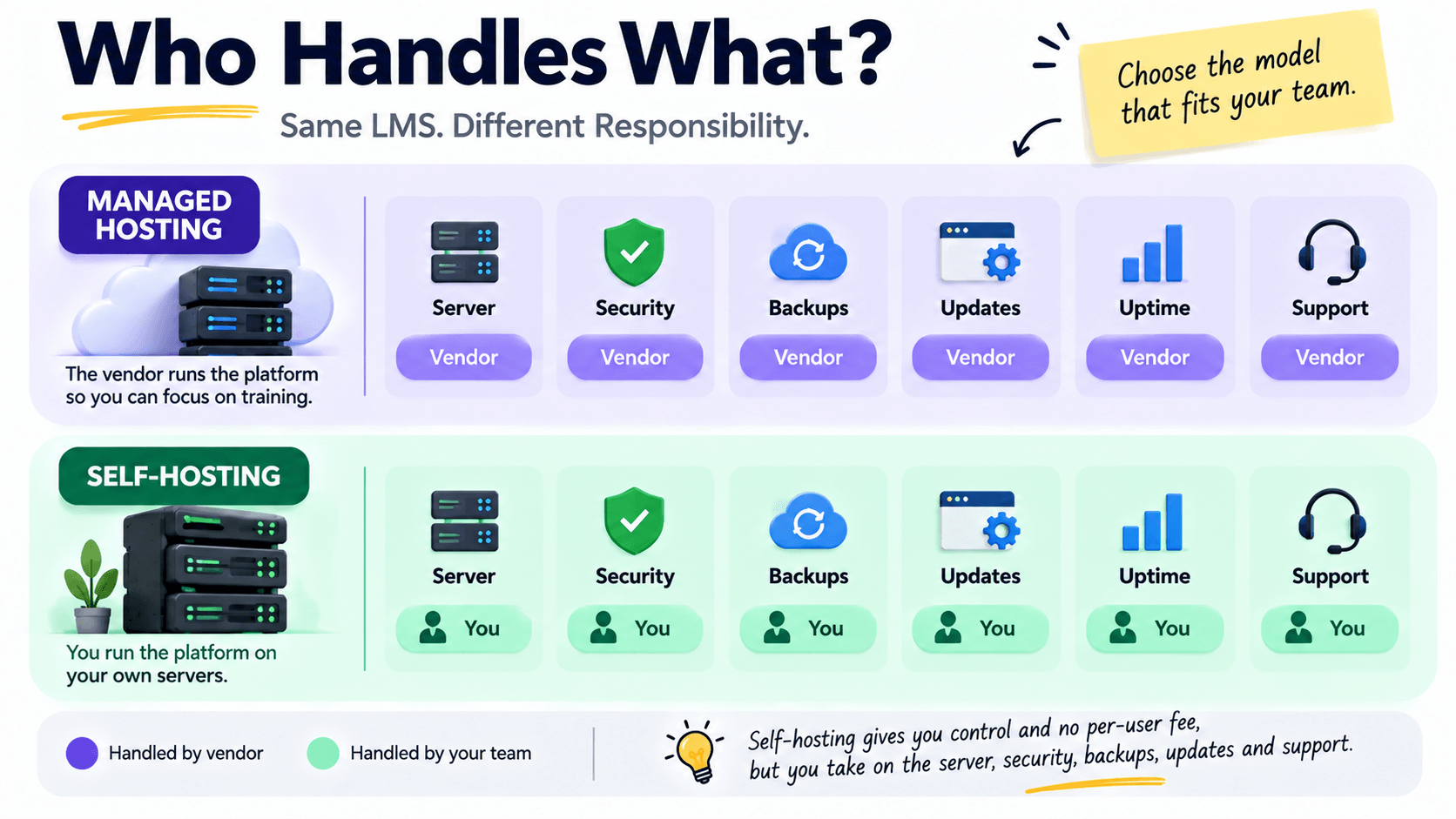
Before self-hosting, be clear about the full list of responsibilities, because underestimating them is the classic mistake. These do not go away just because the software is free.
- The server: provisioning, sizing and paying for infrastructure that can handle your load.
- Security: firewalls, access control, patching and protecting learner data.
- Backups: regular, tested backups so a failure does not lose your training records.
- Updates: applying platform updates and fixes without breaking your setup.
- Uptime: monitoring and responding when something goes down, potentially out of hours.
- Support: no vendor help desk by default; your team is the first line.
When Self-Hosting Makes Sense
Self-hosting is the right choice for specific situations, and the wrong one for others. It comes down to capacity, control requirements and cost at your scale.
- You have standing IT capacity: a team that already runs servers can absorb an LMS without much extra cost.
- You have data-residency or policy requirements: rules that require training data to stay on your own infrastructure.
- You want maximum control: full ownership of configuration, customisation and environment.
- You have a large audience and want to avoid per-user fees: self-hosting can be very cost-effective at scale.
Key point
The deciding question is not ‘is self-hosting free?’ but ‘do we already have the team to run it?’ If yes, self-hosting is often cheaper and gives more control. If no, the staff time you would add usually costs more than managed hosting.
When Managed Hosting Wins
For many organizations, especially smaller ones, managed hosting is cheaper once you count honestly. When you do not have spare IT capacity, self-hosting means either adding staff or diverting people from other work, and that hidden cost usually exceeds a managed hosting fee.
Managed hosting also removes the risk that keeps small teams up at night: a security lapse, a failed backup, or downtime nobody is equipped to fix. For organizations without a dedicated infrastructure team, paying a vendor to handle uptime, security and updates is often the more economical and safer choice, even though it looks more expensive on the surface.
Moodle shows the pattern well. Many organizations self-host it because the software is free, and the story a few years later is often the same: the person who set it up leaves, upgrades get postponed because nobody wants to break anything, and the eventual fix is paying someone to host it anyway. That is not a flaw in Moodle; it is what self-hosting costs when the team is not staffed for it. If you are weighing it, read our comparison of Moodle alternatives.
How MyPass LMS Handles Both
MyPass LMS lets you choose without changing platforms. MyPass Free Edition is a free, self-hosted edition with unlimited registered users, so if you have the IT capacity, you can run it yourself at no license cost; it runs on Windows today, with macOS and Linux versions on the way. If you would rather not run a server, managed Starter is $99 a month and Professional, with dedicated capacity and your own subdomain and SSL, is $319 a month, both with MyPass handling infrastructure, security, backups, updates and support. See pricing for annual rates.
The advantage is flexibility: you can start self-hosted and move to managed hosting later as a data migration on the same platform, rather than replatforming. That means the self-hosting decision is not permanent, you can change your mind as your capacity or requirements change, without losing your data or rebuilding.
Key point
A practical middle path: start with the Free Edition to prove value at zero license cost, then move to managed hosting if running the server becomes more work than it is worth. Because it is the same platform, that move is a migration, not a rebuild.
MyPass LMS hosting plans side by side
| Free Edition | Starter | Professional | Enterprise | |
|---|---|---|---|---|
| Price | Free | $99/mo ($79/mo billed annually) | $319/mo ($249/mo billed annually) | Custom |
| Who runs it | You | Kprise, shared infrastructure | Kprise, dedicated capacity | Kprise, multi-server high availability |
| Registered users | Unlimited | Unlimited registered users, up to 50 signed in at once | Unlimited | Unlimited |
| Simultaneous logins | Depends on your server | Up to 50 | Up to 500 | More than 500 |
| SSL and subdomain | You manage | Assigned | Your own | Custom |
Registered users means every learner, admin and instructor account you create. Every MyPass plan allows unlimited registered users. Simultaneous logins means how many people are active at the same moment, which is what actually loads a server. An association can have five thousand members registered with fifty online at once, so Professional is sized on the second number, not the first.
Key point
Registered nonprofits, member associations, NGOs and government bodies get an additional 20% off managed hosting, on top of annual billing, plus a 60-day free trial instead of the standard 15 days. See nonprofit pricing.
The Decision in Five Questions
- Who responds when the LMS goes down on a Saturday? If there is a name, self-hosting is viable. If there is a shrug, it is not.
- Must training data stay on your own infrastructure? If yes, self-host; the decision is made for you.
- Is the LMS tied to revenue, certification or accreditation? The more it is, the stronger the case for managed hosting.
- Will the person who sets it up still be there in two years? Institutional knowledge is part of the infrastructure.
- What does an hour of your technical staff's time cost? Multiply by a few hours a month, every month, and compare it with a managed hosting fee. The smaller number is your answer.
The bottom line
Self-hosting an LMS gives you control, data residency and no per-user fee, but you take on the server, security, backups, updates and the staff time to run them. It is a strong choice if you already have IT capacity or strict data requirements, and a false economy if you would have to add the capacity, since that usually costs more than managed hosting.
The good news is you do not have to decide permanently. Compare the managed hosting plans, see how MyPass LMS pricing works, or download the Free Edition to start self-hosted for free.
Frequently asked questions
What does it take to self-host an LMS?
Self-hosting an LMS means running it on your own infrastructure and taking on the server, security, backups, updates, uptime monitoring and first-line support. You need staff with the technical capacity to handle these, plus the infrastructure cost. The software may be free of license fee, especially open-source or open-core, but self-hosting trades that for staff time and infrastructure responsibility.
Is self-hosting an LMS cheaper than managed hosting?
It depends on whether you already have the IT capacity. If a team already runs servers, self-hosting can be cheaper, especially at scale where per-user fees would be high. If you would have to add staff or divert people to run it, that hidden cost usually exceeds a managed hosting fee. Count total cost, including staff time, not just the license price.
When should you self-host an LMS?
Self-host when you have standing IT capacity to absorb the work, a data-residency or policy requirement to keep training data on your own infrastructure, a desire for maximum control over configuration, or a large audience where avoiding per-user fees at scale is valuable. If you lack a dedicated infrastructure team, managed hosting is usually cheaper and safer once staff time is counted.
Can you switch from self-hosting to managed hosting later?
With some platforms, yes, and it matters. On an open-core platform like MyPass LMS, you can start with the Free Edition and later move to managed hosting as a data migration on the same platform, rather than replatforming onto a different product. That makes the self-hosting decision reversible as your capacity or requirements change, without losing data or rebuilding.
How much does managed LMS hosting cost?
Prices vary widely by vendor and are often quote-only. MyPass LMS publishes its prices: Starter is $99 a month ($79 billed annually) with unlimited registered users and up to 50 people signed in at once, and Professional is $319 a month ($249 billed annually) with dedicated capacity, your own SSL and subdomain, unlimited registered users and up to 500 simultaneous logins. Both have no per-seat fees and a 15-day free trial with no credit card.
What is the difference between registered users and simultaneous logins?
Registered users are every account you create: learners, admins, instructors and managers. Simultaneous logins are the people active at the same moment, which is what determines server load. On MyPass LMS, every plan has unlimited registered users; Starter allows up to 50 people logged in at once and Professional 500.
What is LMS hosting?
LMS hosting is where your learning management system runs and who keeps it running. You can host it yourself, on your own servers or in your own cloud account, or have the vendor host it for you on shared or private infrastructure. Self-hosting gives more control and often no license fee; vendor hosting removes the server, security, backup and update work.
Keep reading
Course design & delivery
Self-Paced vs Instructor-Led Learning: Which Should You Use?
Choosing an LMS
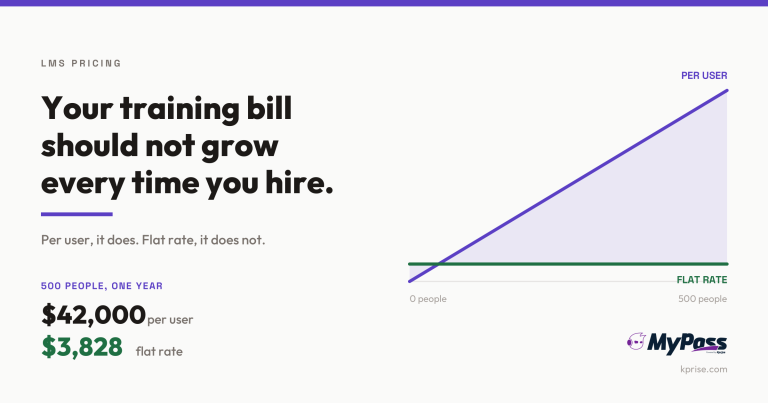
LMS Pricing Without Per-User Fees: What Flat-Rate Actually Costs
Choosing an LMS
Free LMS or Free Trial? The Five Kinds of Free
Choosing an LMS