
LMS Features: What to Actually Look For (and What to Ignore)
On this page 7 sections
Short answer
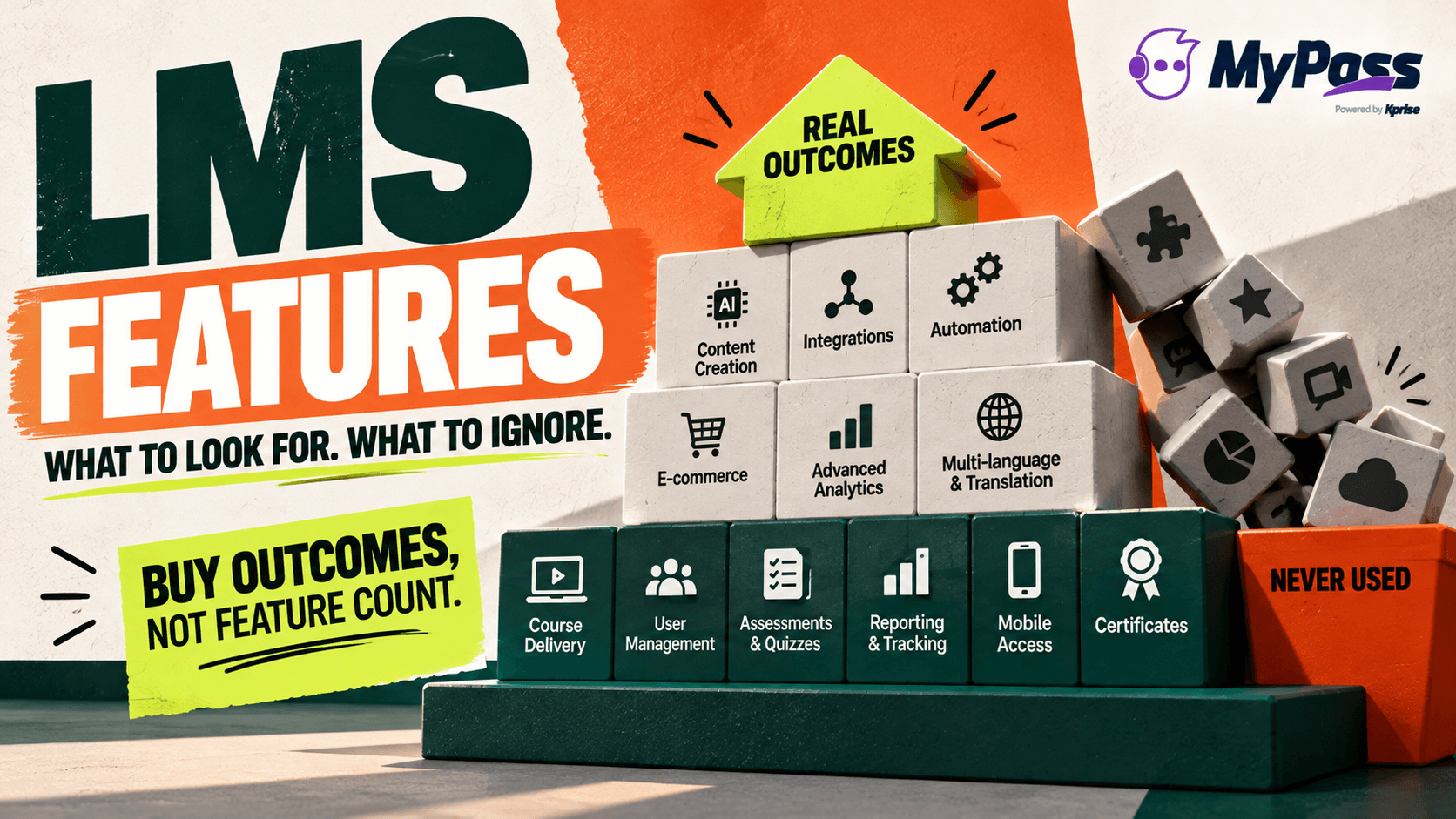
The core LMS features almost everyone needs are course creation and delivery, user management and role-based assignment, assessments and quizzes, tracking and reporting, mobile access, and certificates. Advanced features like AI content creation, integrations, automation, e-commerce and deep analytics matter depending on your needs. The trick is matching features to what you'll actually use, not buying the longest list.
Don't Buy Features, Buy Outcomes
Open any LMS website and you'll be hit with a feature list as long as your arm. Every platform promises dozens of capabilities, and it's genuinely hard to tell which ones you need from which are just there to pad the comparison table. Here's the mindset that cuts through it: you're not buying features, you're buying outcomes. The question isn't 'does it have X?', it's 'will X actually help us train our people better?'
Most buyers over-index on feature count and end up paying for an enterprise suite to do something a fraction of it could handle. This guide splits LMS features into the core ones nearly everyone needs and the advanced ones that matter only for certain situations, so you can match what you buy to what you'll actually use. A shorter list you use beats a huge one you don't.
Key point
The longest feature list rarely wins. The best LMS for you is the one with the features you'll actually use, delivered well, not the one that ticks the most boxes on a comparison chart you'll never revisit.
The Core Features Almost Everyone Needs
Whatever your size or industry, a handful of features are table stakes. If an LMS can't do these well, keep looking.
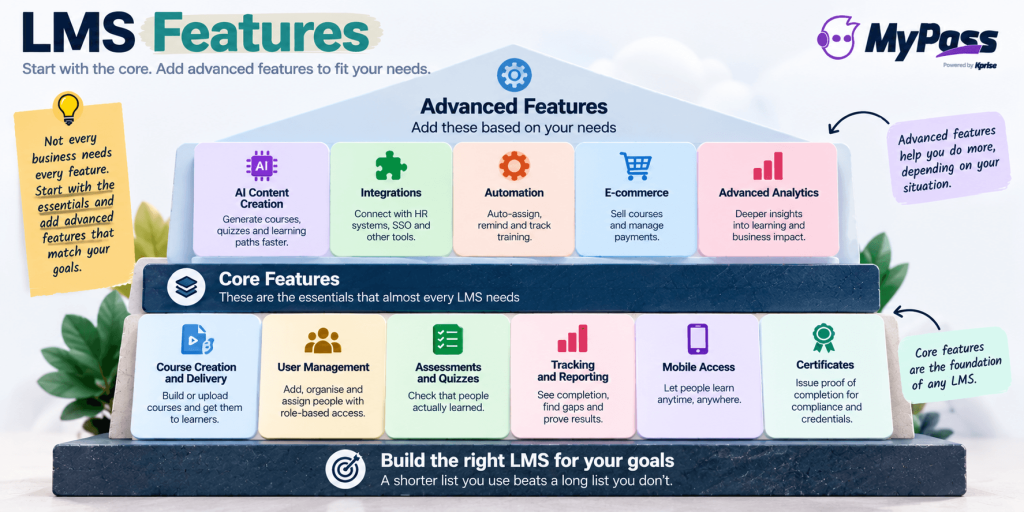
- Course creation and delivery: build or upload courses and get them to learners, this is the basic job.
- User management: add, organise and assign people, ideally with role-based assignment so the right people get the right training.
- Assessments and quizzes: check that people actually learned, not just that they clicked through.
- Tracking and reporting: see who completed what, where people struggle, and prove it when asked.
- Mobile access: reach people who aren't at a desk (which is most of many workforces).
- Certificates: issue proof of completion, especially for compliance and credentials.
The Advanced Features That Matter (For Some)
Beyond the basics, a set of more advanced features can be genuinely valuable, but only if they match your situation. Pay for these when you need them, not because they sound impressive.
- AI content creation: generate courses and quizzes fast, a big time-saver if you build a lot of content.
- Integrations: connect to your HR system, SSO and other tools, important for larger or more connected setups.
- Automation: auto-assign, remind and reassign training, hugely valuable for compliance and scale.
- E-commerce: sell courses, essential if training is a revenue stream (associations, course sellers).
- Advanced analytics: deeper insight than basic completion, useful once you're optimising seriously.
- Multi-language / translation: vital for a global or multilingual workforce, irrelevant for a single-language team.
The key is honesty about your situation. E-commerce is essential for an association selling CE courses and pointless for internal-only compliance training. Deep integrations matter at enterprise scale and are overkill for a small team. Match the advanced features to your actual needs, and see them in action on the MyPass LMS features page and integrations page rather than taking a checklist's word for it.
Features People Pay For and Never Use
A quick honesty section, because it saves money. Every LMS buyer has a story about features that sounded essential in the sales demo and were never touched again. Gamification leaderboards nobody looked at. A social-learning feed that stayed empty. An elaborate reporting suite when all anyone needed was 'who's overdue'. These aren't bad features, they're just features that didn't match the buyer's reality.
The lesson isn't to avoid advanced features, it's to be ruthless about whether you'll actually use them. Before you pay extra for anything, ask: who specifically will use this, how often, and what happens if we don't have it? If you can't answer clearly, it's probably a nice-to-have dressed up as a must-have. Our LMS requirements checklist and 15 questions to ask every LMS vendor are built to keep you focused on what you'll really use.
Key point
Before paying extra for any feature, ask: who'll use this, how often, and what breaks without it? If you can't answer clearly, it's a nice-to-have wearing a must-have costume, skip it.
How MyPass LMS Approaches Features
Rather than listing fifty features, here's the approach: MyPass LMS covers the core everyone needs, course creation, user management, assessments, reporting, mobile, certificates, done well, and adds the advanced features that genuinely matter, including an AI course builder, automation, integrations and SSO, built-in e-commerce, and AI translation, without forcing you onto a pricey enterprise tier to get them.
Because pricing is flat with unlimited registered users, you're not penalised for using the features across your whole workforce either. The honest invitation is to compare on fit, not feature count: browse the full features page, try it, and see which features you actually reach for. The right LMS is the one whose features map to your reality.
Key point
A practical move: list the three features you know you'll use every week, and the one advanced feature that would genuinely change things for you. Judge any LMS on those four, not on its full feature inventory.
The bottom line
LMS features split into the core almost everyone needs, course creation, user management, assessments, reporting, mobile, certificates, and advanced ones (AI, integrations, automation, e-commerce, analytics, translation) that matter only if they fit your situation. The skill isn't finding the longest list; it's matching features to what you'll actually use and ignoring the impressive-sounding rest.
Buy outcomes, not feature count. See the full MyPass LMS features, work through the LMS requirements checklist, or explore pricing. Not sure where to start? The LMS buyer's guide helps you compare on fit.
Frequently asked questions
What features should an LMS have?
At a minimum, every LMS should do the core well: course creation and delivery, user management with role-based assignment, assessments and quizzes, tracking and reporting, mobile access, and certificates. Beyond those, advanced features, AI content creation, integrations, automation, e-commerce, advanced analytics, translation, matter depending on your situation. The best approach is to identify the core features you need done well, add only the advanced features you'll genuinely use, and ignore the rest, rather than buying the platform with the longest feature list.
What are the most important LMS features?
The most important are the ones you'll use constantly: reliable course delivery, easy user management and assignment (ideally role-based), assessments to confirm people actually learned, and reporting so you can see completion and prove it when asked. Mobile access matters hugely if you have deskless staff, and certificates matter for compliance and credentials. Which advanced feature is 'most important' depends entirely on you, automation for compliance-heavy teams, e-commerce for course sellers, so define your top priorities before comparing platforms.
What advanced LMS features are worth paying for?
It depends on your needs, pay for an advanced feature only when you can name who'll use it and why. AI content creation is worth it if you build a lot of courses; automation is valuable for compliance and scale; integrations matter at larger or more connected setups; e-commerce is essential if training is a revenue stream; advanced analytics help once you're seriously optimising; and translation is vital for a multilingual workforce. The same feature can be essential for one organization and pointless for another, so match it to your reality.
How do I choose LMS features for my needs?
Start from outcomes, not features: what do you actually need to achieve (faster onboarding, compliance completion, reaching deskless staff)? Then identify the core features that deliver those, and add only the advanced features you'll genuinely use, testing each against 'who'll use this, how often, and what breaks without it?' Avoid buying for feature count or for impressive demos of things you'll never touch. A requirements checklist and a short list of must-use features keep you focused on fit rather than the longest comparison table.
Keep reading

Choosing an LMS
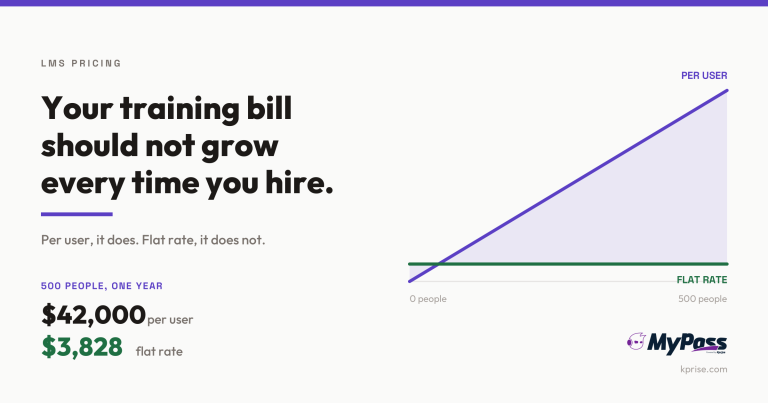
LMS Pricing Without Per-User Fees: What Flat-Rate Actually Costs
Choosing an LMS
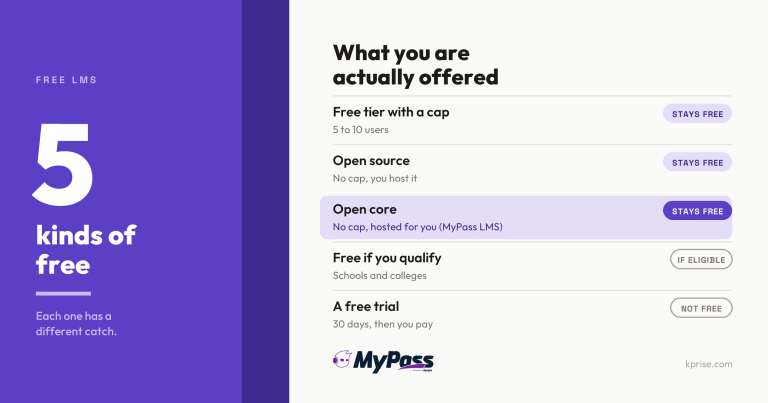
Free LMS or Free Trial? The Five Kinds of Free
Choosing an LMS